Reports & Write-ups
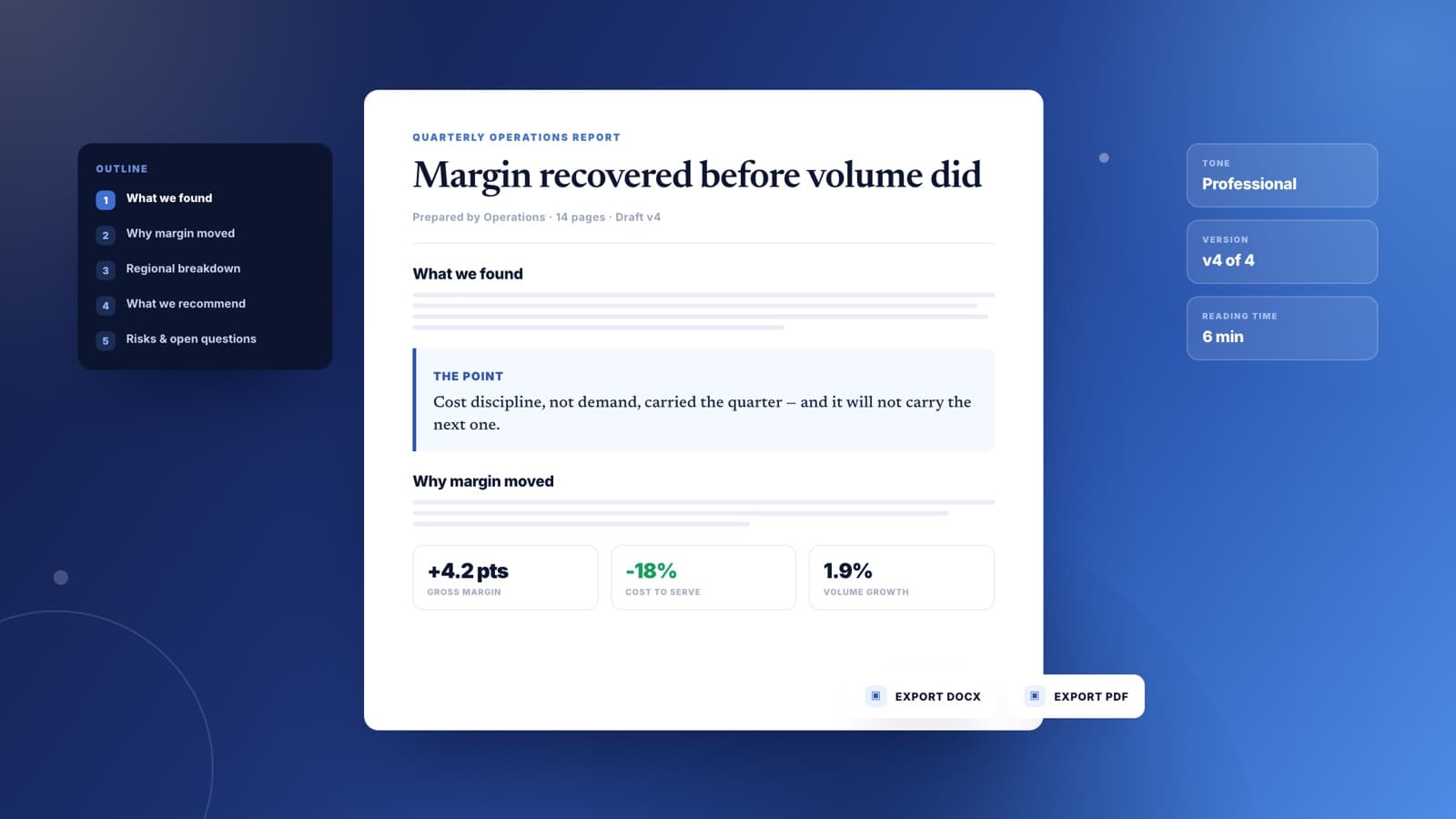
Findings organized so the reader gets the point on page one. Bring the raw notes or the data pull and Sharper builds the structure, the summary, and the section that says what to do next.
Brief the writer and a structured draft lands in an editable document. Then work like an editor: rewrite any section by instruction, fix the tone, and export when it reads right.
Findings organized so the reader gets the point on page one. Bring the raw notes or the data pull and Sharper builds the structure, the summary, and the section that says what to do next.
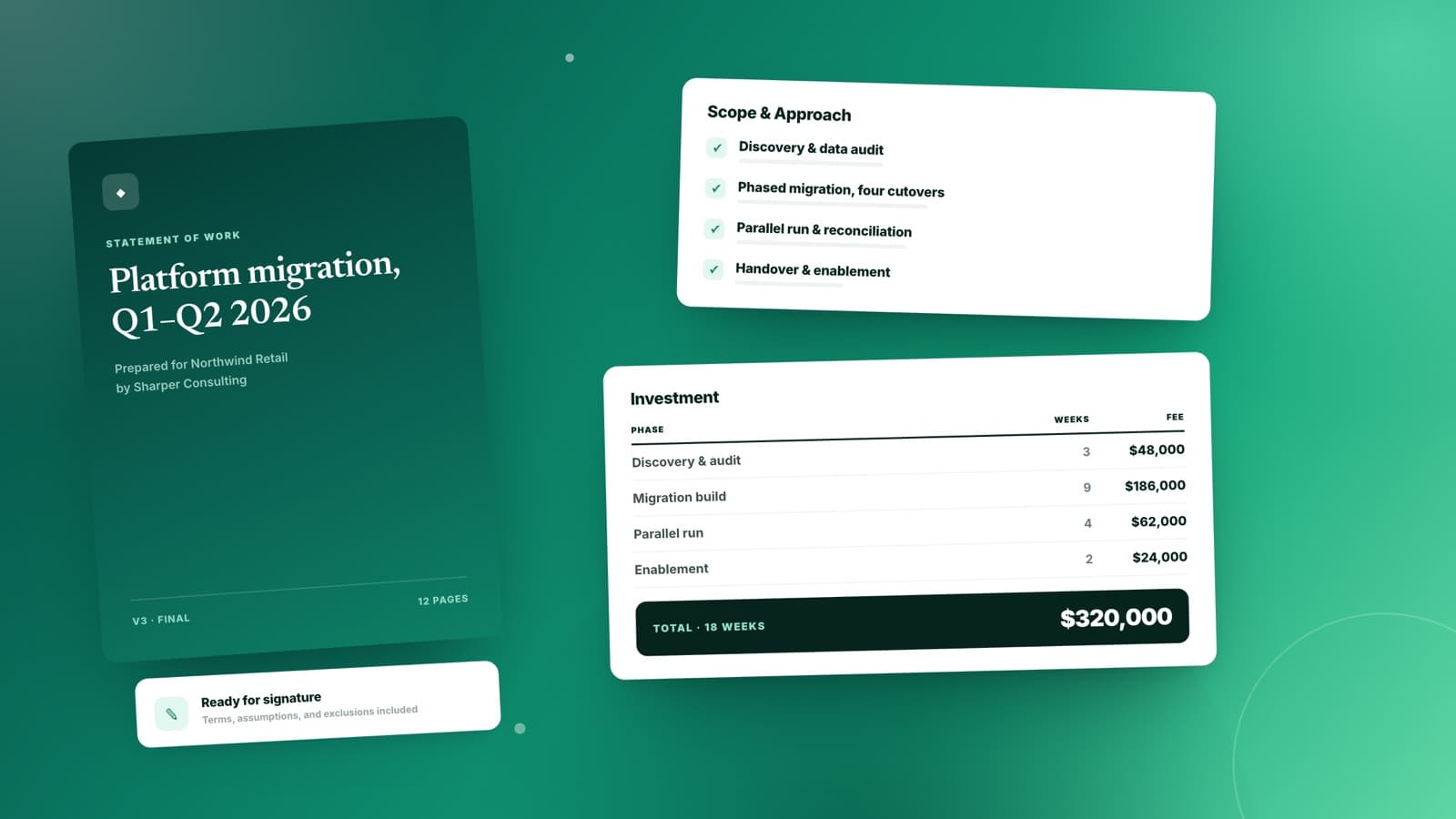
Scope, approach, timeline, and cost in the order a decision-maker actually reads them. Describe the engagement and get a proposal with the commercial detail already in place.
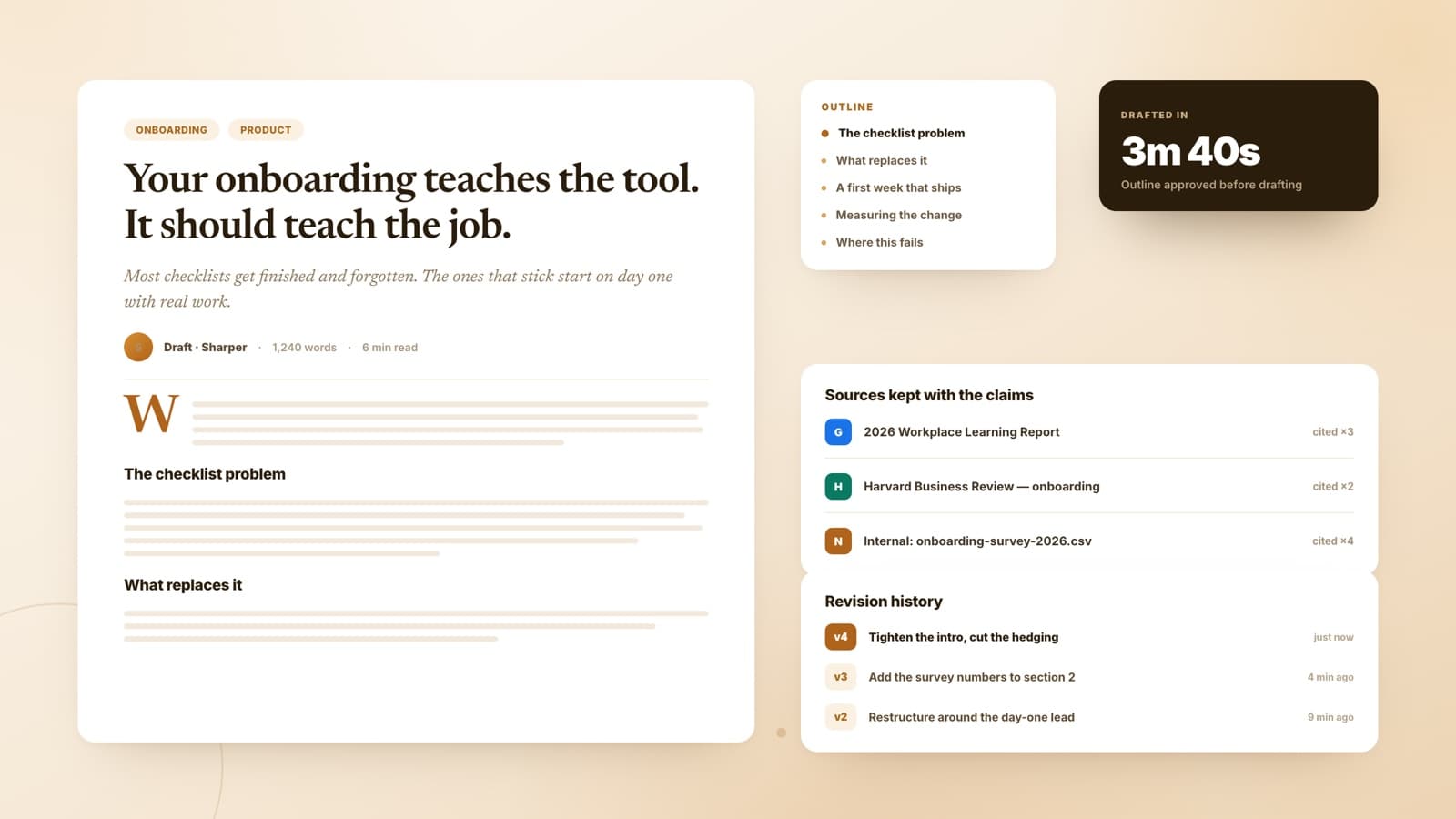
Angle to outline to draft, with the argument holding across every section. Sharper researches what it needs, keeps the sources visible, and writes something that earns the read.
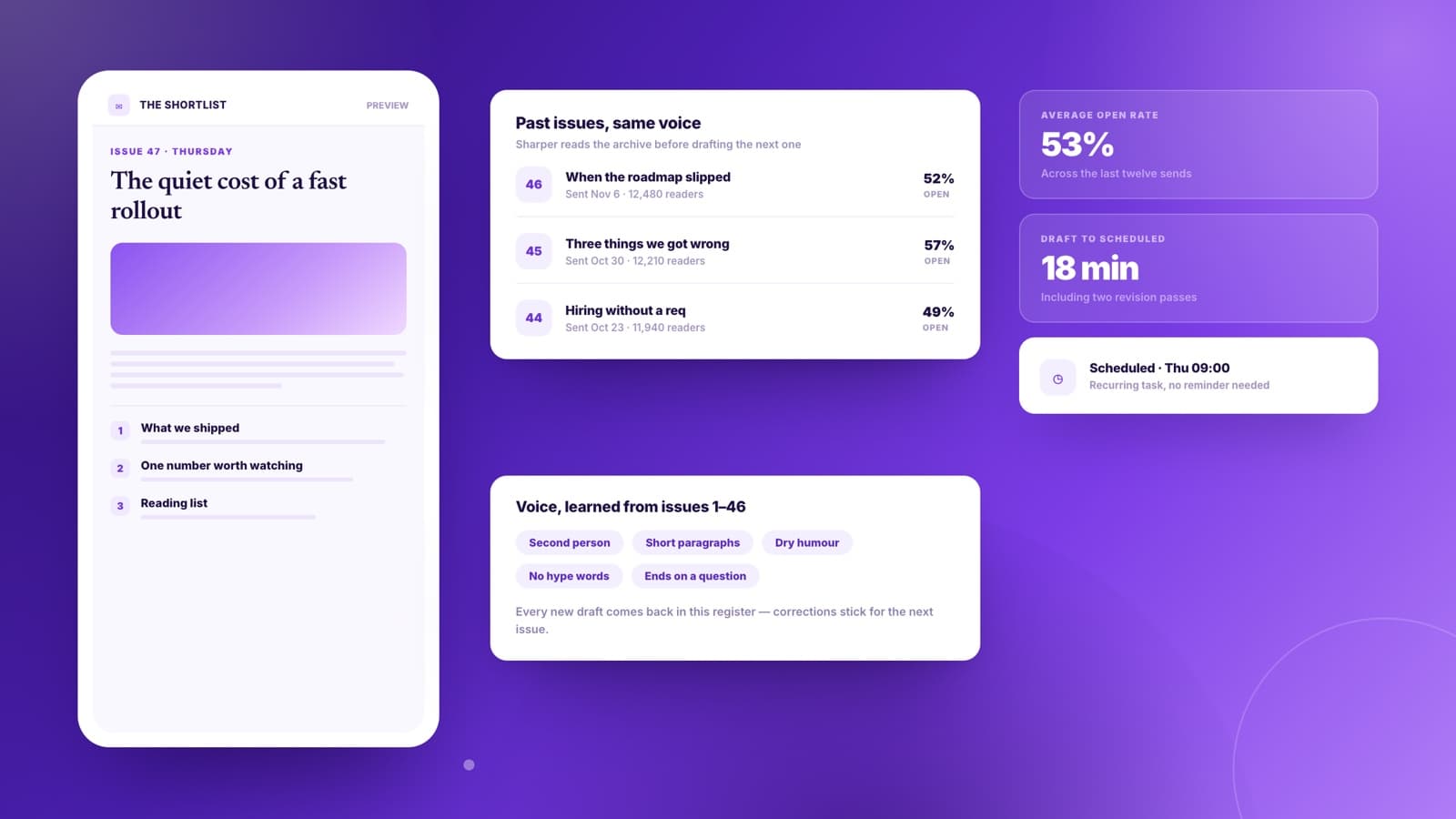
Issue after issue in the same voice. Give Sharper the past few sends and the raw material for this one, and it matches the register, the rhythm, and the section pattern your readers expect.
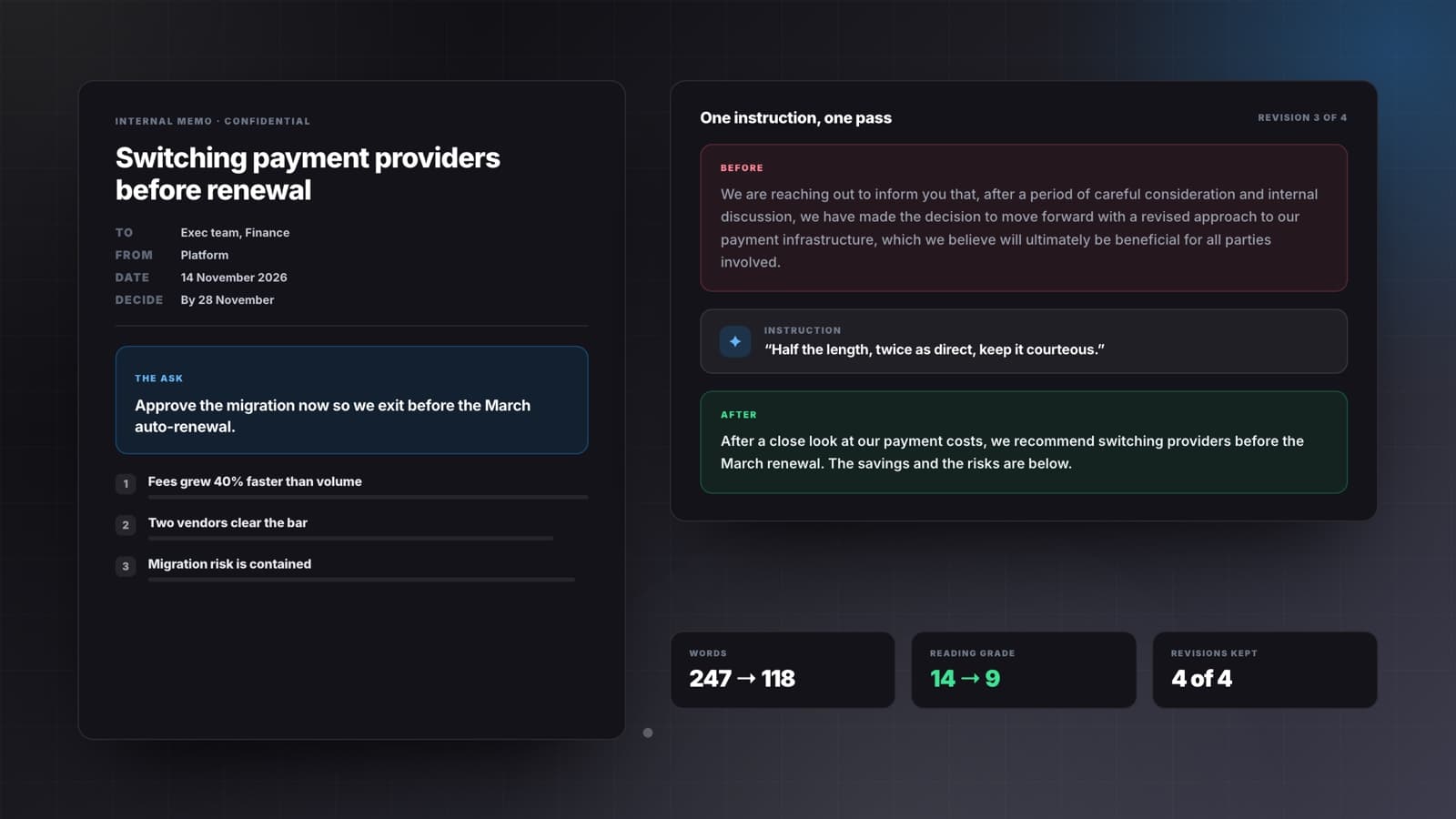
The one-pagers that align five people in five minutes. State the decision and the audience, and get a memo that leads with the ask instead of burying it under context.
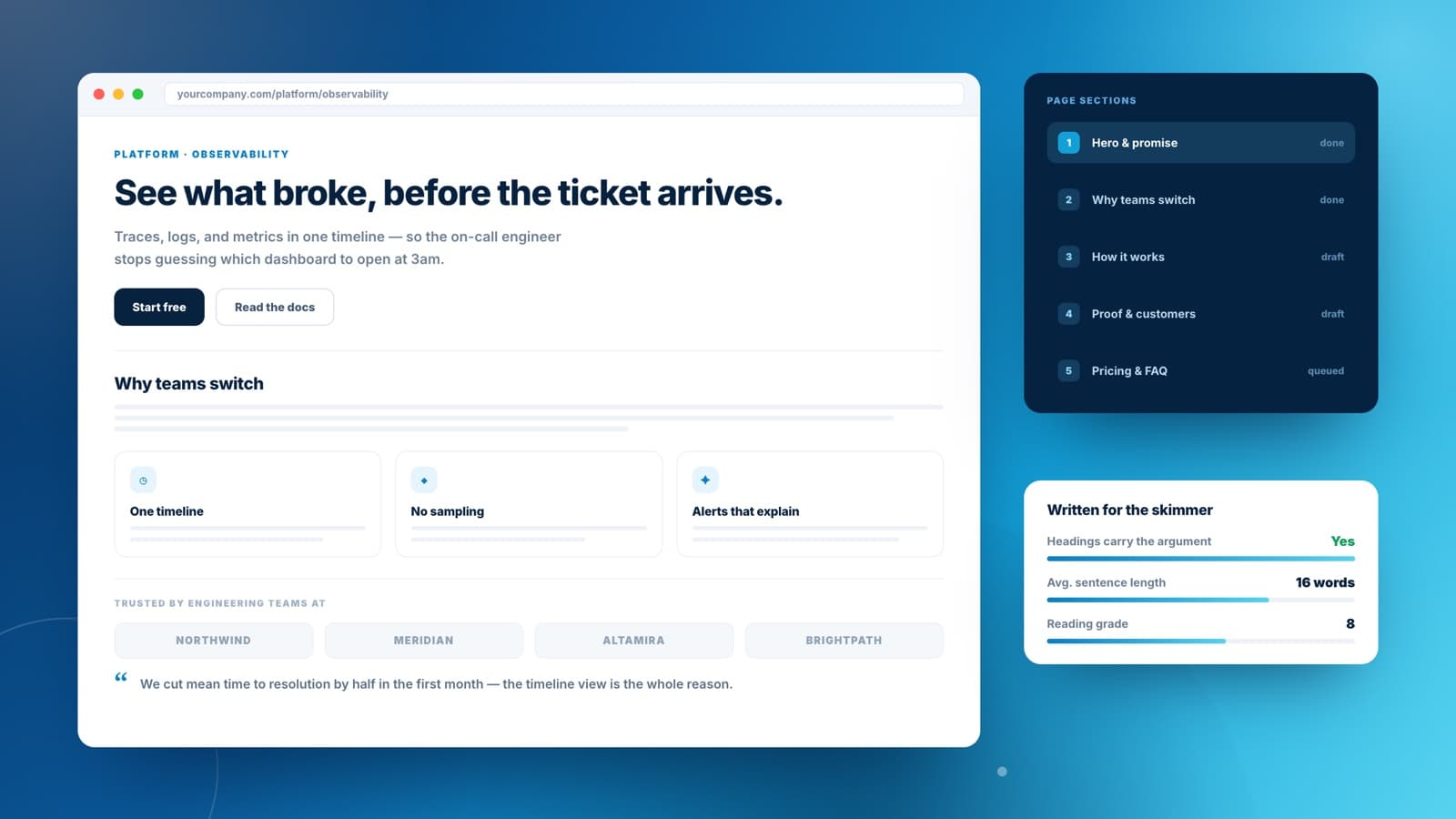
Landing pages, help docs, and product explainers written for the skimmer and the reader at once. Headings carry the argument on their own; the paragraphs reward anyone who stops.
Four stages every real piece moves through. The writer works at all of them, and you can step in at any one.
State the piece, the reader, and the outcome. That is the whole input — no template to fill in, no prompt engineering.
Structure comes back before prose does, so you settle the argument while it is still four lines instead of four pages.
A full draft lands in an editable document — headings, transitions, and evidence, not a bulleted skeleton you still have to write.
Point at what is not working: shorter, less hedged, restructure around a different lead. It rewrites that part and leaves the rest alone.
Anyone can generate a first draft. What matters is the second, third, and fourth — every version kept, every change reversible, and the document still yours to edit directly.
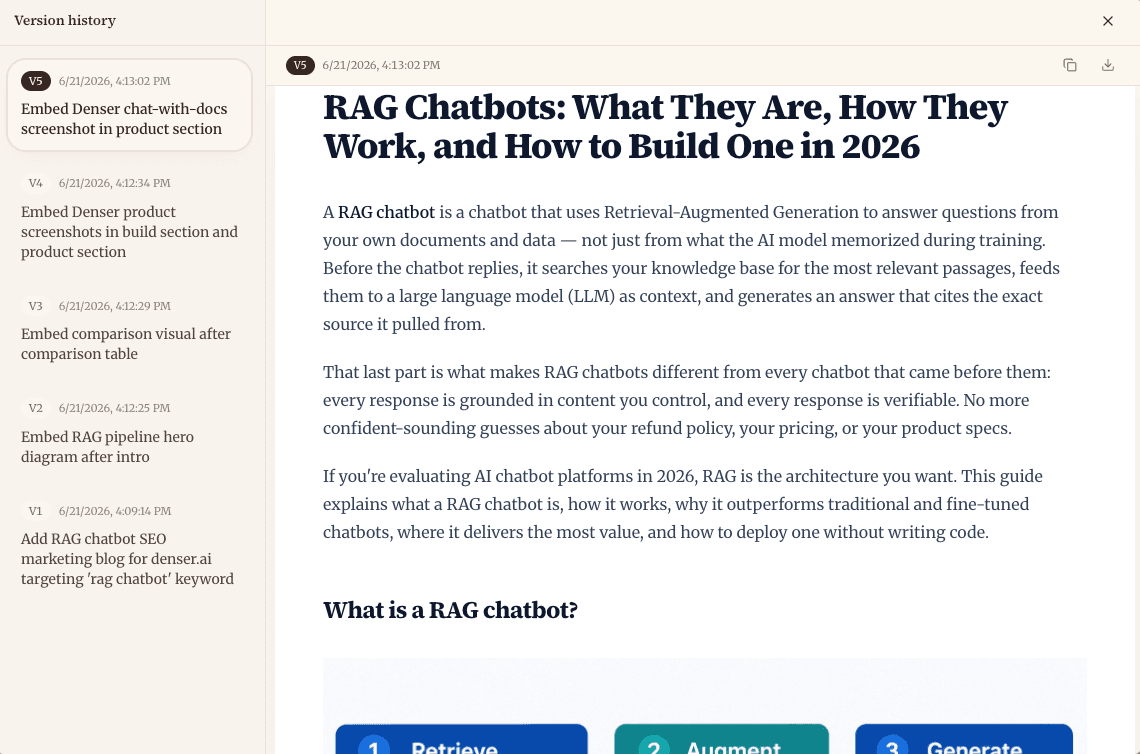
Every revision, kept
See the full writing walkthrough
What people ask before putting an AI writer in front of work that carries their name.
An AI writer is a drafting and revision assistant. You brief it on the piece, the reader, and the outcome; it returns a structured draft in an editable document; then it rewrites on instruction — tighten this, expand that, change the tone. Sharper's is built for work writing: reports, proposals, articles, briefs, and long-form web copy.
Here they describe the same workflow. It drafts when you are starting from nothing and assists when you already have text that needs restructuring, tightening, or a shift in tone. You are not choosing between two tools.
Give it a sample of your writing or a few adjectives about your voice and drafts come back in that register. The revision loop closes the gap from there: flag any sentence that does not sound like you and ask for it again.
Yes. Paste or upload the draft and direct the pass — shorter, clearer, more formal, restructured around a different lead. It rewrites the parts you point at and leaves the rest untouched, so your good paragraphs survive.
It researches when the piece needs it. Sharper can search the web or read your uploaded files and knowledge bases, then keep the sources visible next to the claims they support so you can check anything before it ships.
Drafts live in an editable document and export as DOCX or PDF, or as a shareable link for review. The document stays in your workspace between sessions, so you can pick a piece back up days later.
Yes. Writing tasks run on Sharper's Free plan. If you are not signed in you will be asked to create a free account first, which also keeps your documents and their version history in one workspace.
Writing rarely starts on a blank page. These tools handle the research, the data, and the documents that feed a draft.
Say what you need written and who it is for. Sharper handles the structure, the draft, and every revision after it.
Free to start. No credit card required.