From trusted source material to a finished PowerPoint.
Sharper is an AI presentation maker that plans the story from your trusted source material, builds the complete deck, delivers an editable PowerPoint, and visually inspects the rendered slides before handoff.
You set the direction
Set the presentation direction and deck length up front.
Select a presentation template, choose its color palette, and set a preferred number of slides. Sharper carries those choices into planning and builds the content to fit.
Need an exact total? State it in the prompt. Otherwise, Sharper chooses a content-appropriate count inside your selected range without adding filler slides.
Try it nowPresentation direction
Applied to the task before the deck is planned
Presentation template
Executive brief
Color palette
Coastal
Preferred deck length
8–12 slides
The selected range guides deck length; the final count follows the content.
Change the visual system without losing the story.
See how one presentation skill adapts to four practical briefs—from board reporting and editorial storytelling to product launches and platform decisions.
Illustrative fictional presentations
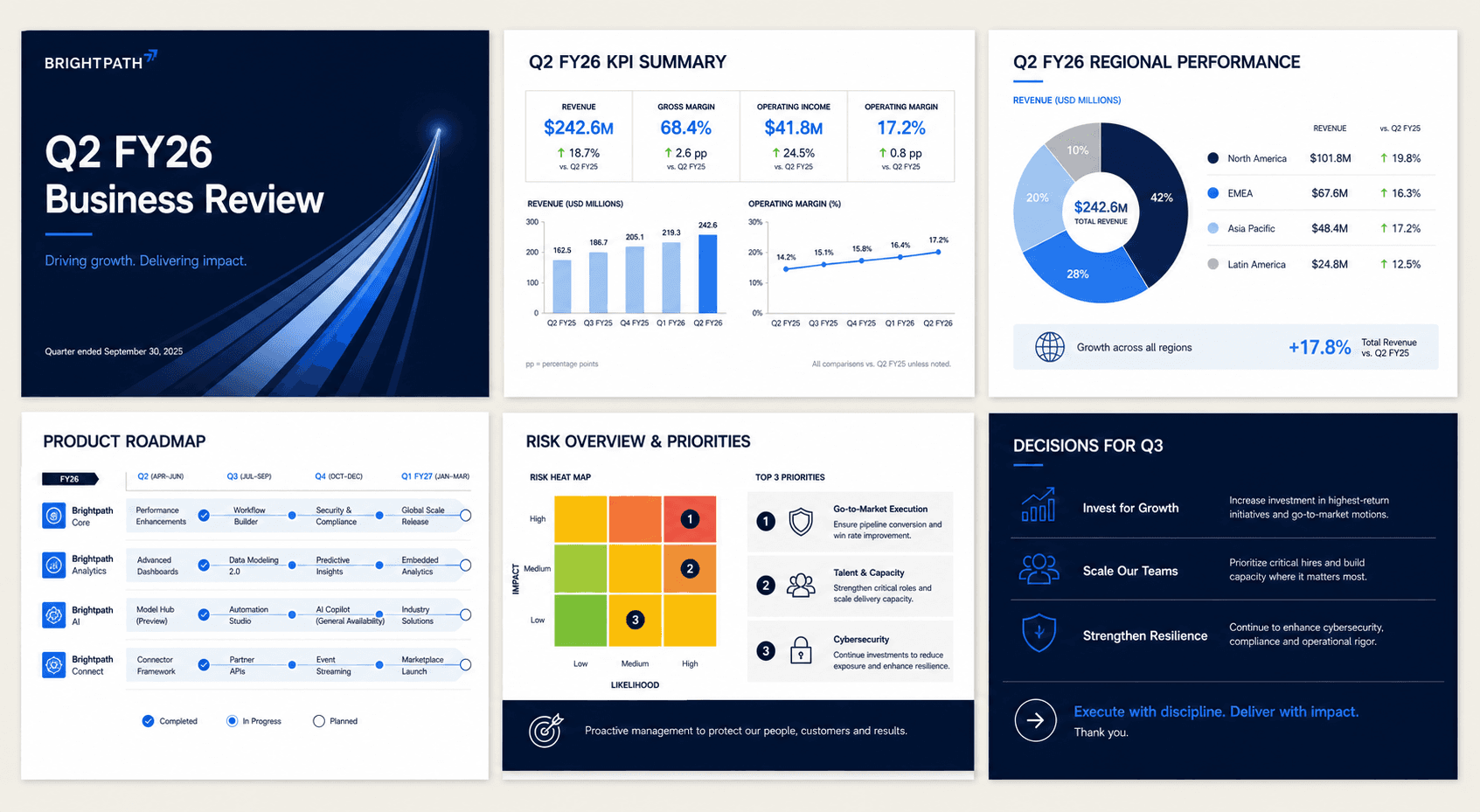
Executive
Restrained hierarchy, familiar charts, and clear decision points for leadership review.

Editorial
Bolder pacing and typographic contrast for a narrative-led quarterly story.
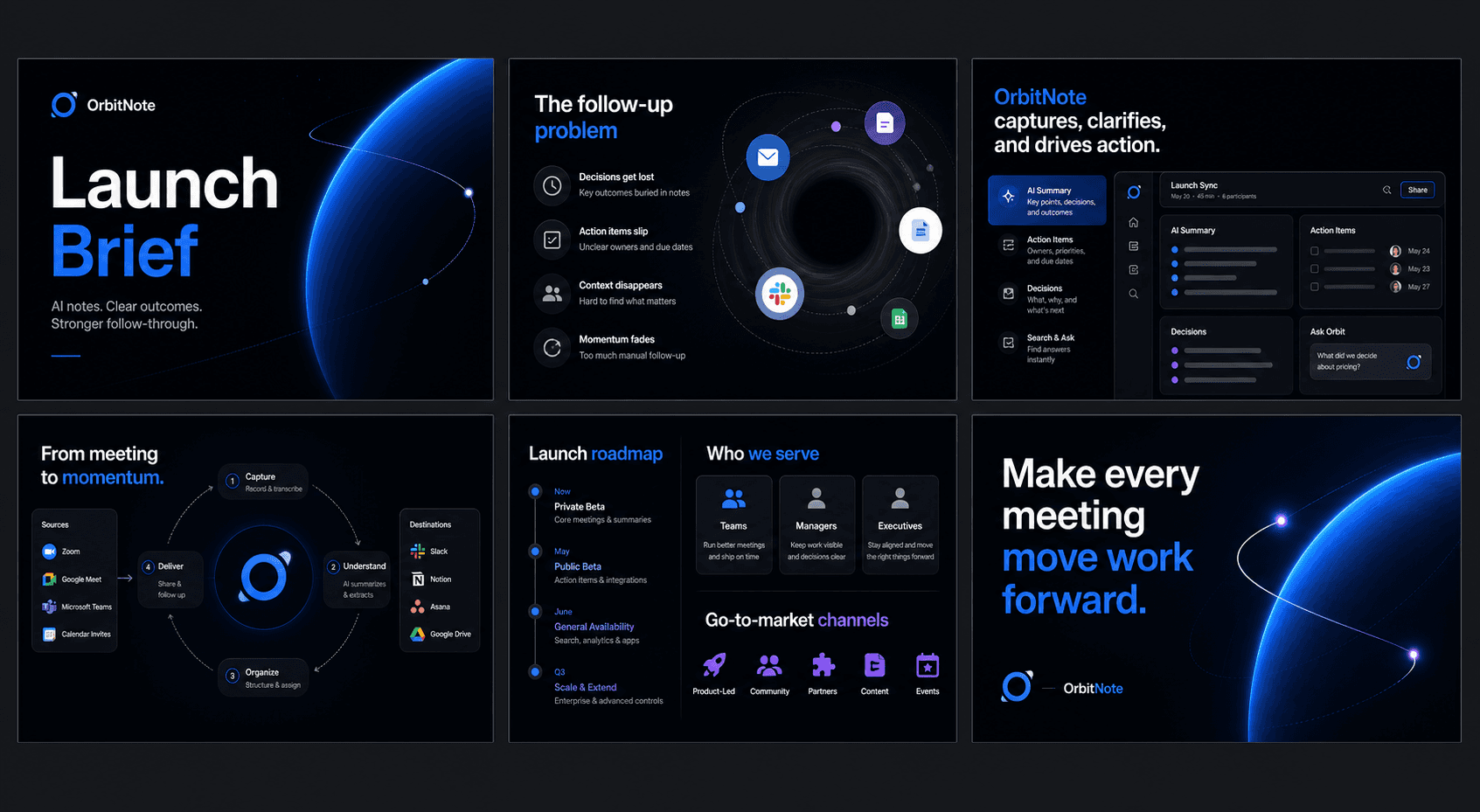
Product
High-contrast framing and modular visuals for roadmap and launch conversations.
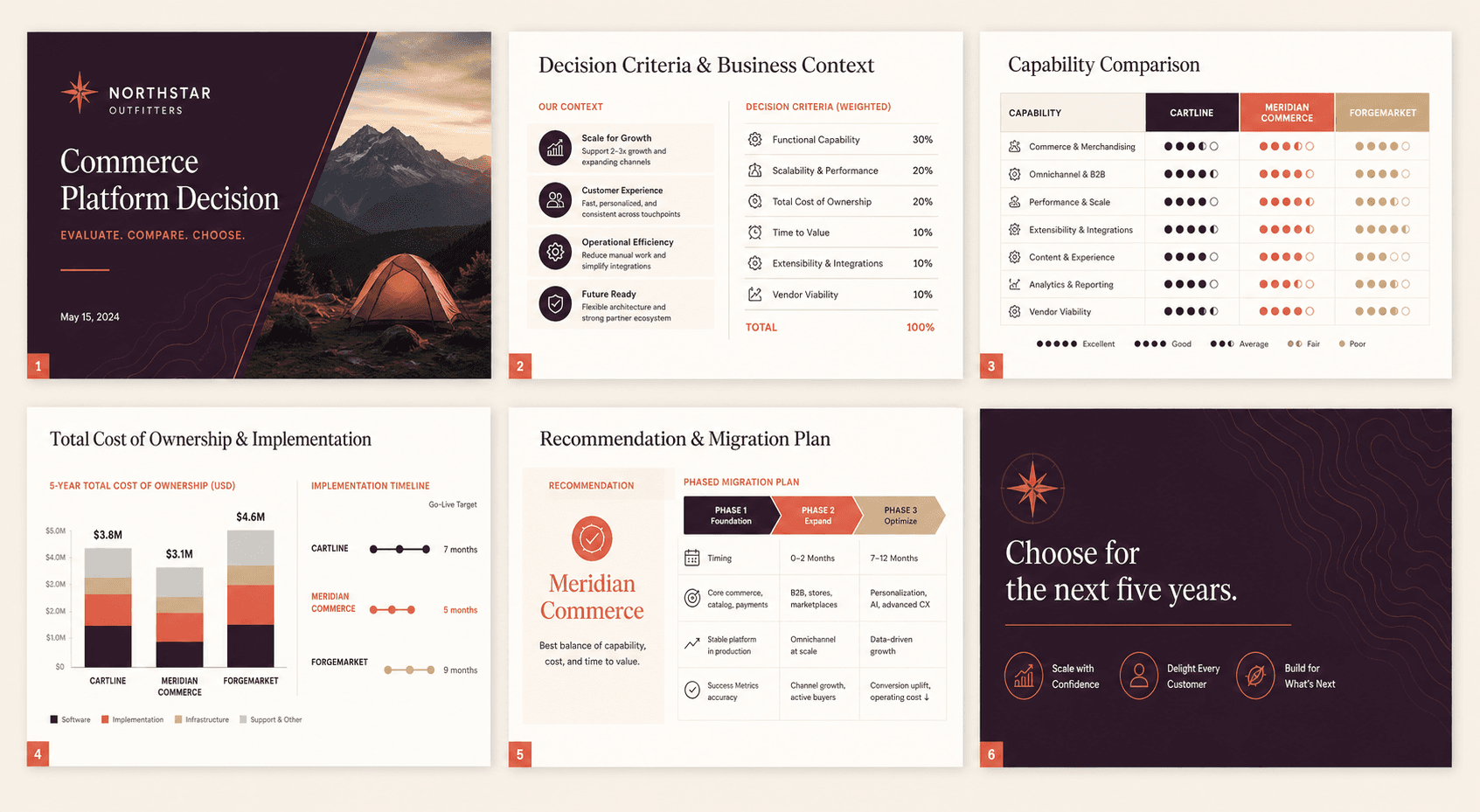
Consulting
Argument-led comparison matrices and a phased recommendation for a high-stakes platform decision.
A presentation workflow that does the production work.
Sharper carries your direction through the complete workflow—from reading source material and planning the story to building, validating, rendering, and visually inspecting the finished file.
Compare five AI PowerPoint generators tested with the same eight-slide brief./pptx
Presentation task activity
Read the source
CompleteParsed the 11-page quarterly report and extracted its charts and tables.
Plan the deck
CompleteMapped the leadership story across 10 core slides and one researched addition.
Build native slides
CompleteCreated the deck with editable text, charts, tables, diagrams, and citations.
Validate the PowerPoint
CompleteChecked the package, slide count, object bounds, and expected content.
Render and inspect
CompleteReviewed the contact sheet for clipping, overlap, missing media, and blank slides.
Brightpath_Q2_FY26_Business_Review.pptx
11 slides · editable PowerPoint
FAQ
Practical details about source material, templates, revisions, visual QA, and PowerPoint delivery.
What can Sharper use as source material?
Sharper can work from uploaded documents, knowledge bases, charts and figures extracted from PDFs, trusted web research, and the instructions in your task.
Can Sharper use an existing PowerPoint template?
Yes. Supply the template and Sharper can preserve its masters, layouts, design language, and existing media while updating or assembling the deck.
Are the generated slides editable?
Yes. The output is a real .pptx file with editable slide objects, so you can continue working in PowerPoint, Keynote, or Google Slides.
Does Sharper check the deck for visual issues?
Yes. The presentation workflow validates the PowerPoint, renders the slides, and checks for problems such as clipping, overlap, missing media, unreadable content, and blank slides.
Can I revise the deck after it is created?
Yes. Use follow-up instructions to add a slide, revise the story, create a diagram, restyle the deck, or repair a specific slide while keeping the same presentation file.
Can Sharper research information missing from my source files?
Yes. When you ask for it, Sharper can research the web, cite the sources used, and add the findings to the relevant slides instead of presenting unsupported claims.
Can I choose a presentation template, color palette, and number of slides?
Yes. On desktop, choose a presentation template, select its color palette, and set a preferred slide-count range before sending the task. Sharper chooses an appropriate exact count inside that range, or follows an exact total you state in the prompt.
Turn trusted material into a finished deck.
Choose the direction, bring your sources, and leave with an editable PowerPoint that Sharper has rendered and visually checked.