Complete stories from a single idea
Use Sharper as an AI story writer. Give it a premise and it drafts a full narrative with scenes, chapters, dialogue, and a clear ending you can keep shaping.
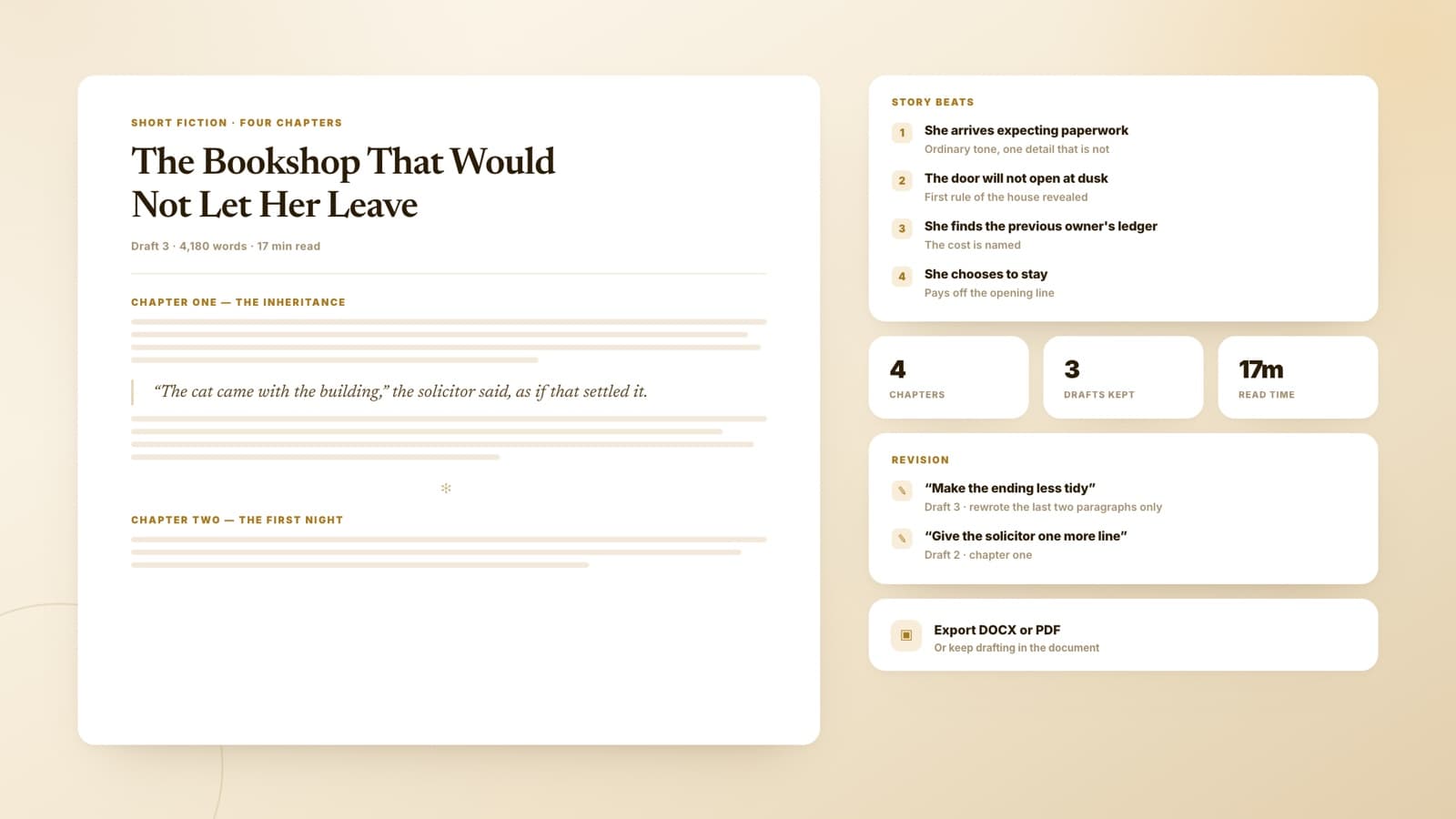
Describe a premise, choose a genre and tone, and Sharper turns it into an editable story document with chapters, dialogue, and generated cover and scene art.
Use Sharper as an AI story writer. Give it a premise and it drafts a full narrative with scenes, chapters, dialogue, and a clear ending you can keep shaping.
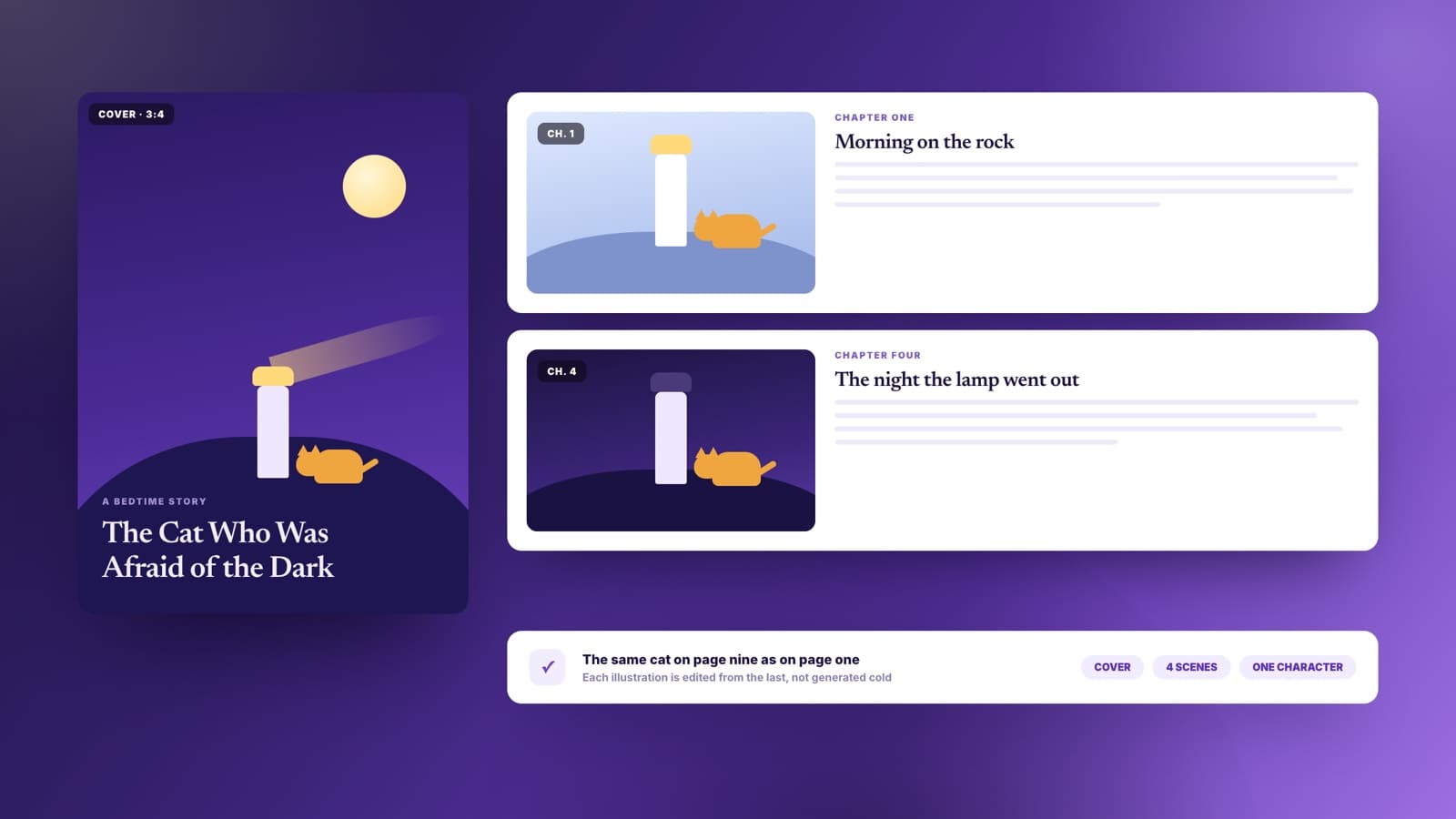
Sharper generates a cover and scene art in the same task and places them in the document, keeping each illustration edited from the last so characters stay consistent. The result is a document, not loose text in a chat window.
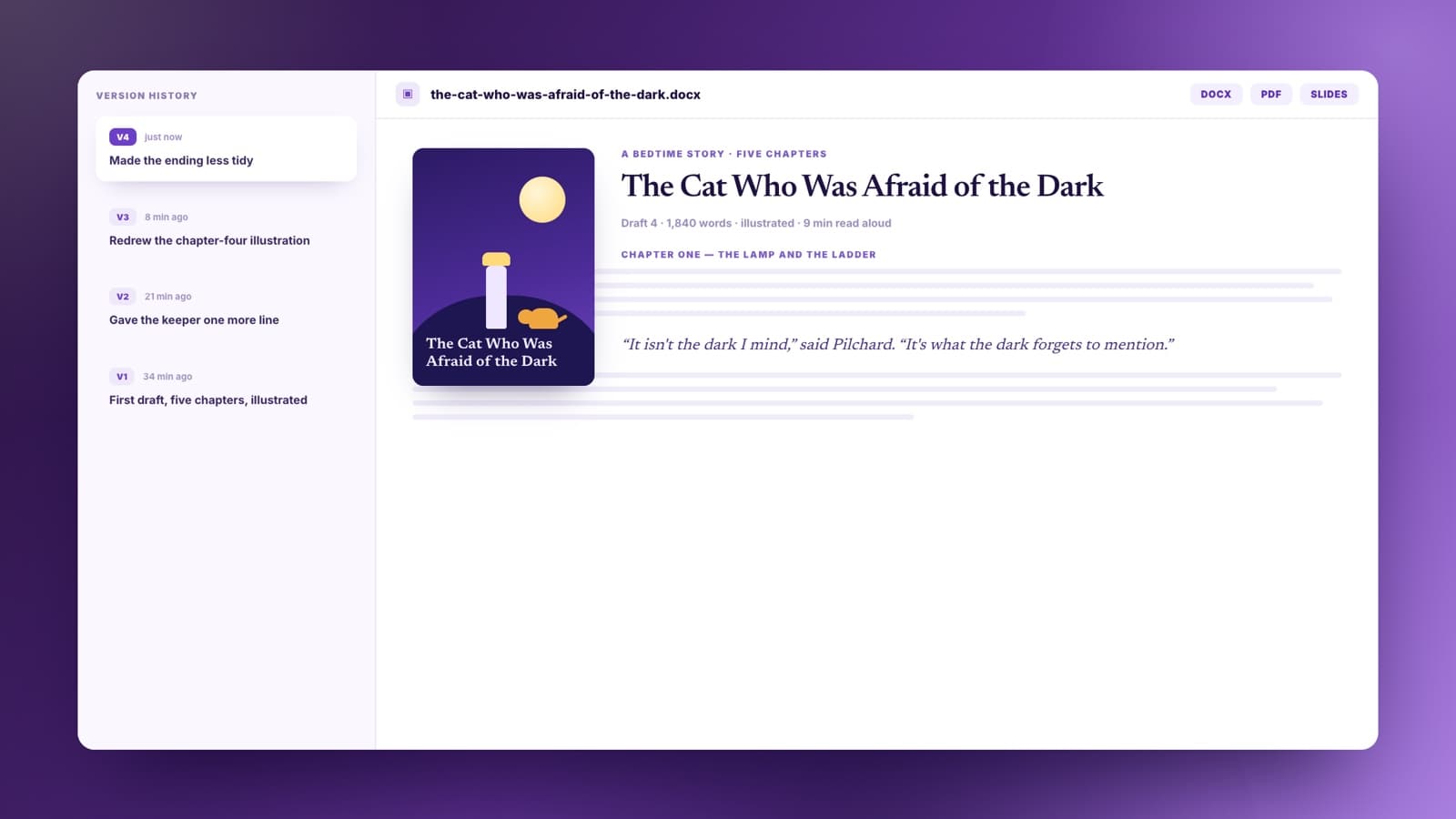
Rewrite a line, move chapters around, change the tone, or ask for a stronger ending. The story stays editable and versioned in your workspace.
Story generation helps when you have a spark but need structure, scenes, and momentum.
Turn a rough idea into a short story, first chapter, or scene sequence you can revise into your own voice.
Set up a scenario, choose the tone, and get a fanfic draft with pacing, dialogue, and scene beats to refine.
Generate fresh bedtime stories, classroom tales, or read-aloud adventures without starting from a blank page.
Create quest hooks, character backstories, lore entries, and campaign scenes from a single premise.
Pick a genre, give it a starting point, choose the mood, and keep revising the resulting document.
Start with fantasy, sci-fi, mystery, or adventure so the story has the right conventions from the first paragraph.
Write one sentence about the character, place, problem, or twist. Sharper turns that seed into a usable plot.
The story lands as a structured document with chapters, dialogue, scene movement, and generated illustrations.
Ask for a darker tone, a warmer ending, a stronger reveal, or a new chapter without restarting the whole draft.
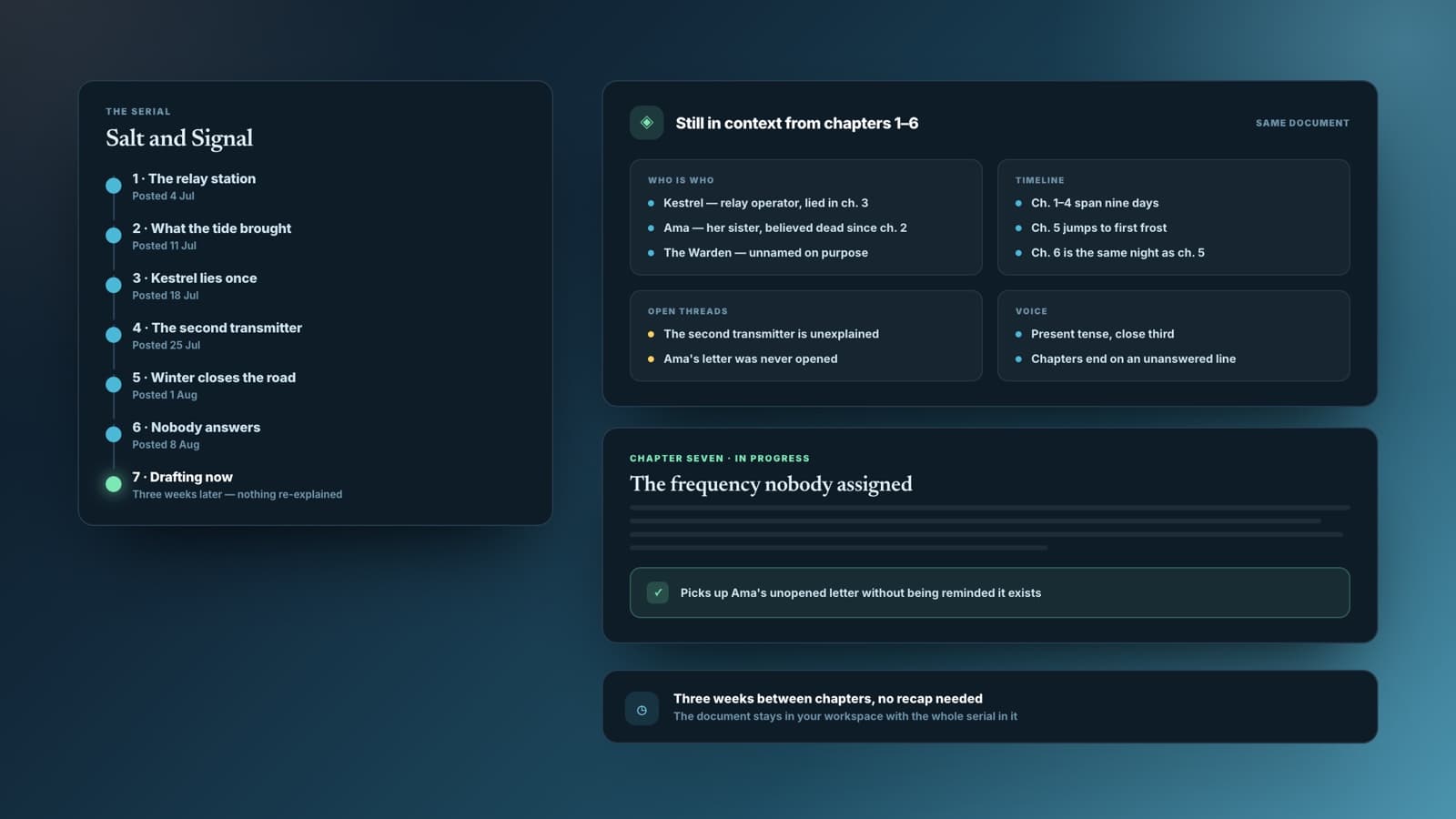
The useful part is not just the first generation. Sharper keeps the story in a document so you can revise chapters, shift tone, add scenes, and export when it feels ready.
Story document output
Chapters, dialogue, revision-ready
| Other tools | Sharper | |
|---|---|---|
| What you get | A block of story text in a chat window | An editable document with title, chapters, dialogue, and illustrations |
| Starting point | A blank prompt with no structure | Genre and tone controls plus story inspiration prompts |
| Illustrations | Usually text only | Cover and scene art generated in the same task, consistent across chapters |
| After generation | Copy-paste into another editor | Revise in an editable workspace and export the document |
Practical answers about genres, originality, editing, illustrations, and exports.
An AI story generator turns a premise into a story. You choose a genre and tone, describe the starting point, and Sharper drafts an editable story document with chapters, dialogue, and revision notes.
Yes. This page starts with fantasy, sci-fi, mystery, and adventure, and you can ask for romance, horror, historical fiction, fanfiction, or any other genre in the prompt.
Yes. Ask for illustrations and Sharper generates a cover plus scene art in the same task and places them in the document. Each image is edited from the previous one rather than generated cold, which is what keeps a character looking like the same character across chapters.
It works best for short stories, first chapters, outlines, and medium-length drafts. For a novel, generate and revise chapter by chapter so the plot stays coherent.
The story is generated from your inputs rather than copied from a source. You should still review and revise before publishing, especially for familiar genres or fanfiction.
Yes. The draft opens as an editable document. You can rewrite sections directly or ask Sharper to change tone, pacing, structure, or ending.
Yes. Story tasks run on Sharper's Free plan. If you are not signed in, you will be asked to create a free account first so the story can be saved in your workspace.
Story projects often turn into documents, images, scripts, or presentations. These tools help shape the next artifact.
Pick a genre, describe the first spark, and let Sharper draft a story you can edit, expand, and export.
Free to start. No credit card required.