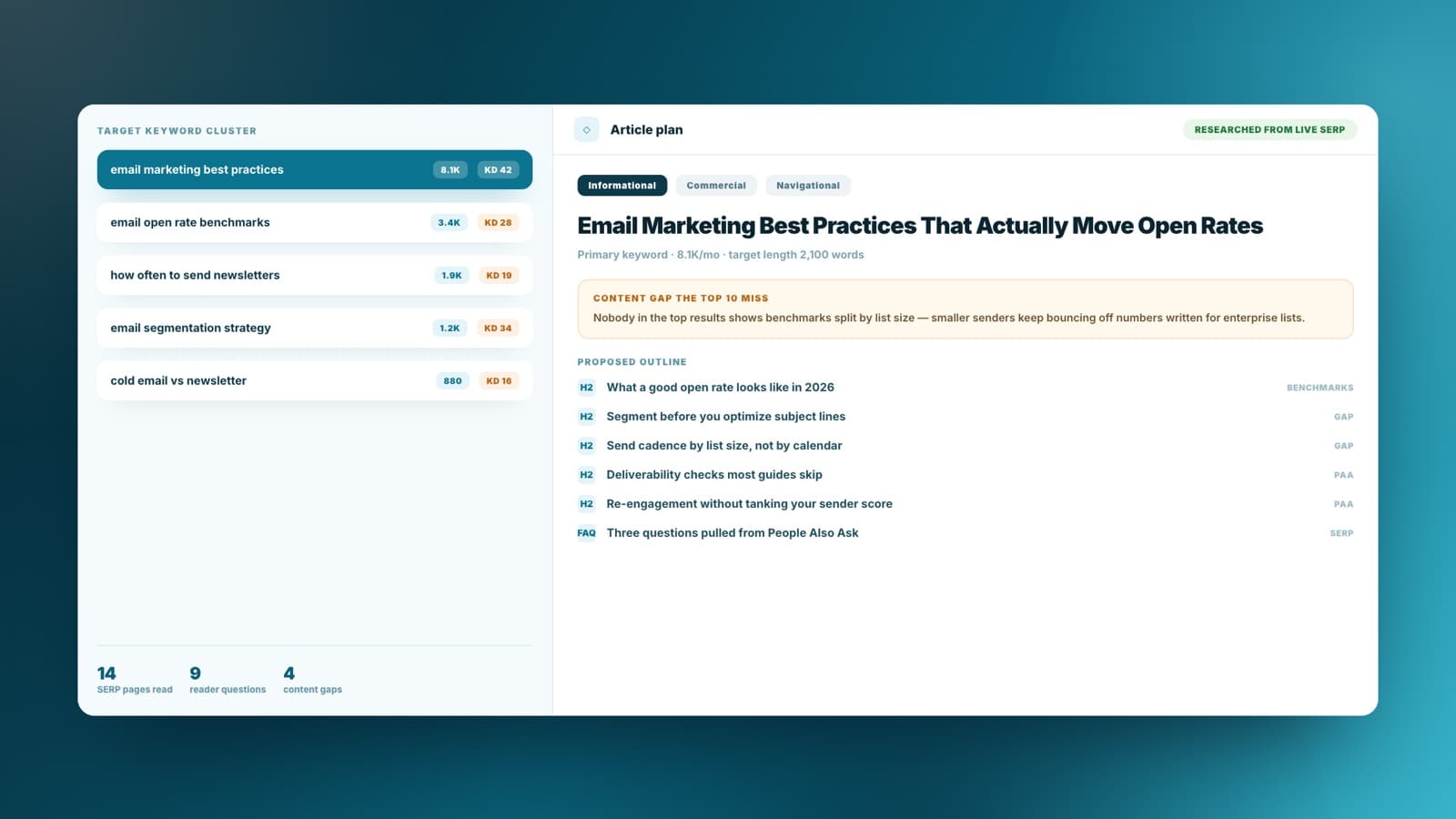
Turn target keywords into an article plan
Give Sharper the phrase or topic cluster you want to rank for, then ask it to cover intent, gaps, and reader questions before drafting.
Give Sharper your keywords and your site. It researches live results and drafts a cited article you can edit and export.
Give Sharper the phrase or topic cluster you want to rank for, then ask it to cover intent, gaps, and reader questions before drafting.
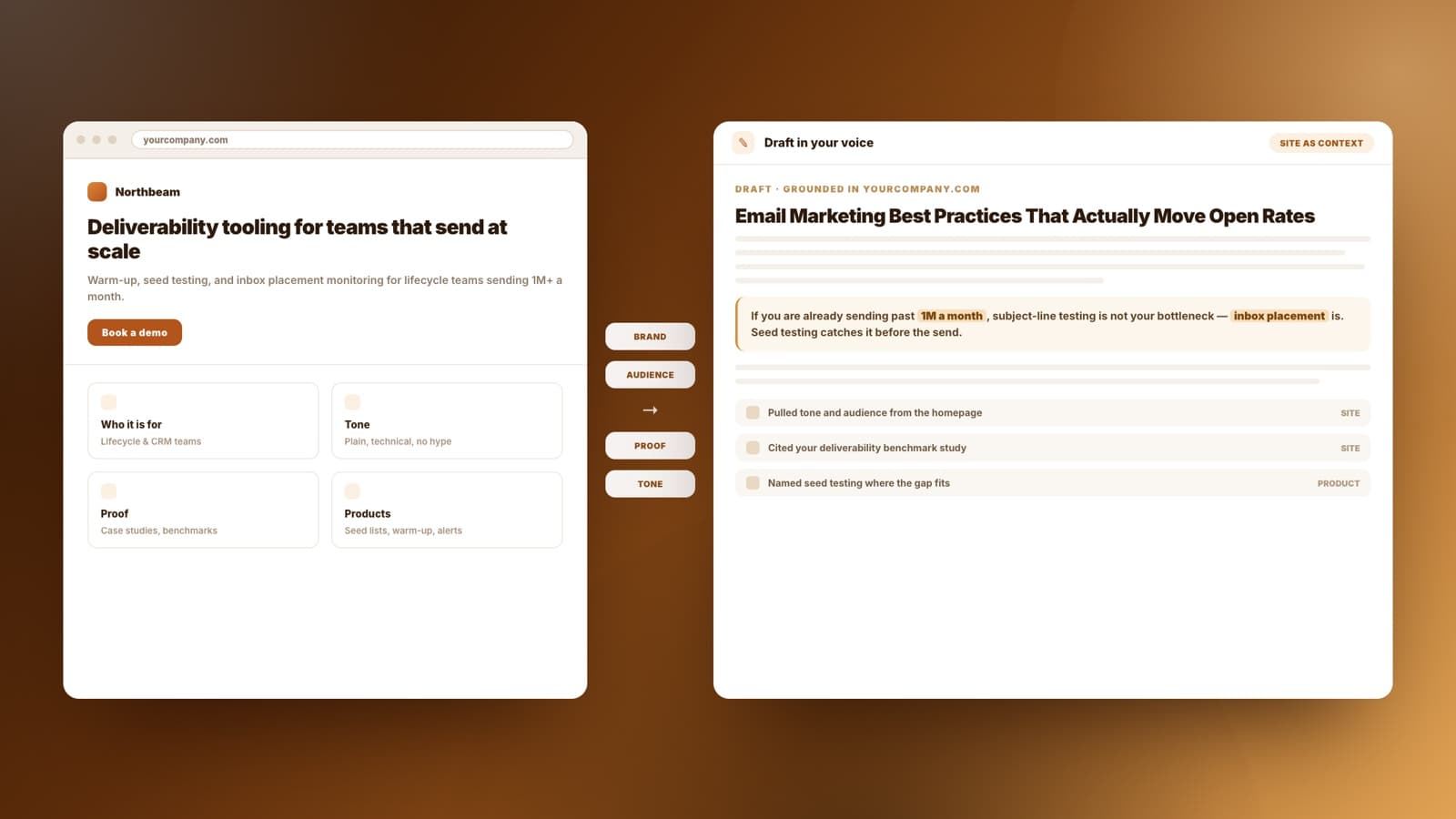
Replace the website placeholder with the URL Sharper should use for brand, product, audience, expertise, and internal-link context.
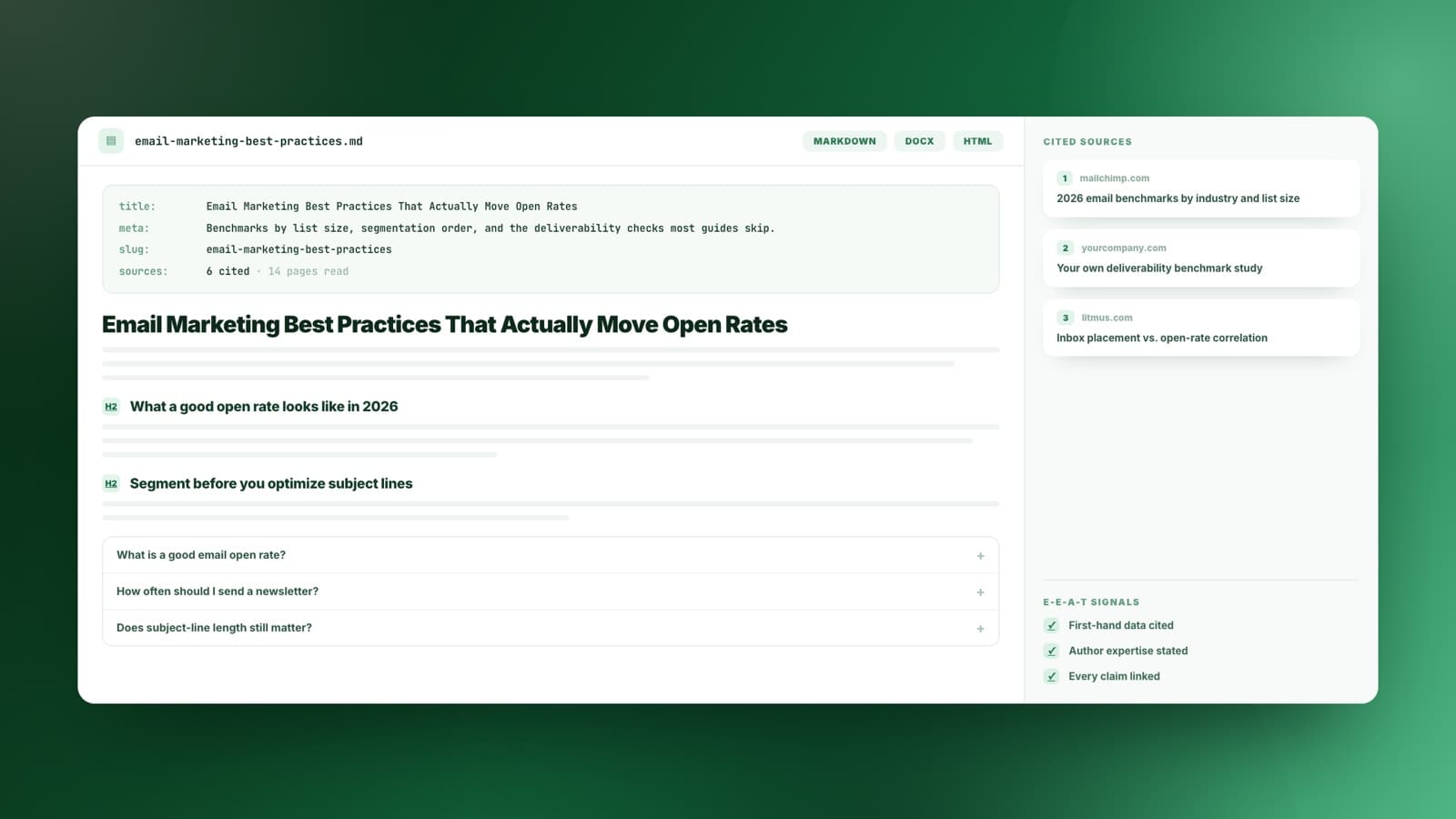
Generate a Markdown article package that can reflect experience, expertise, authoritativeness, and trust through source notes and reviewable context.
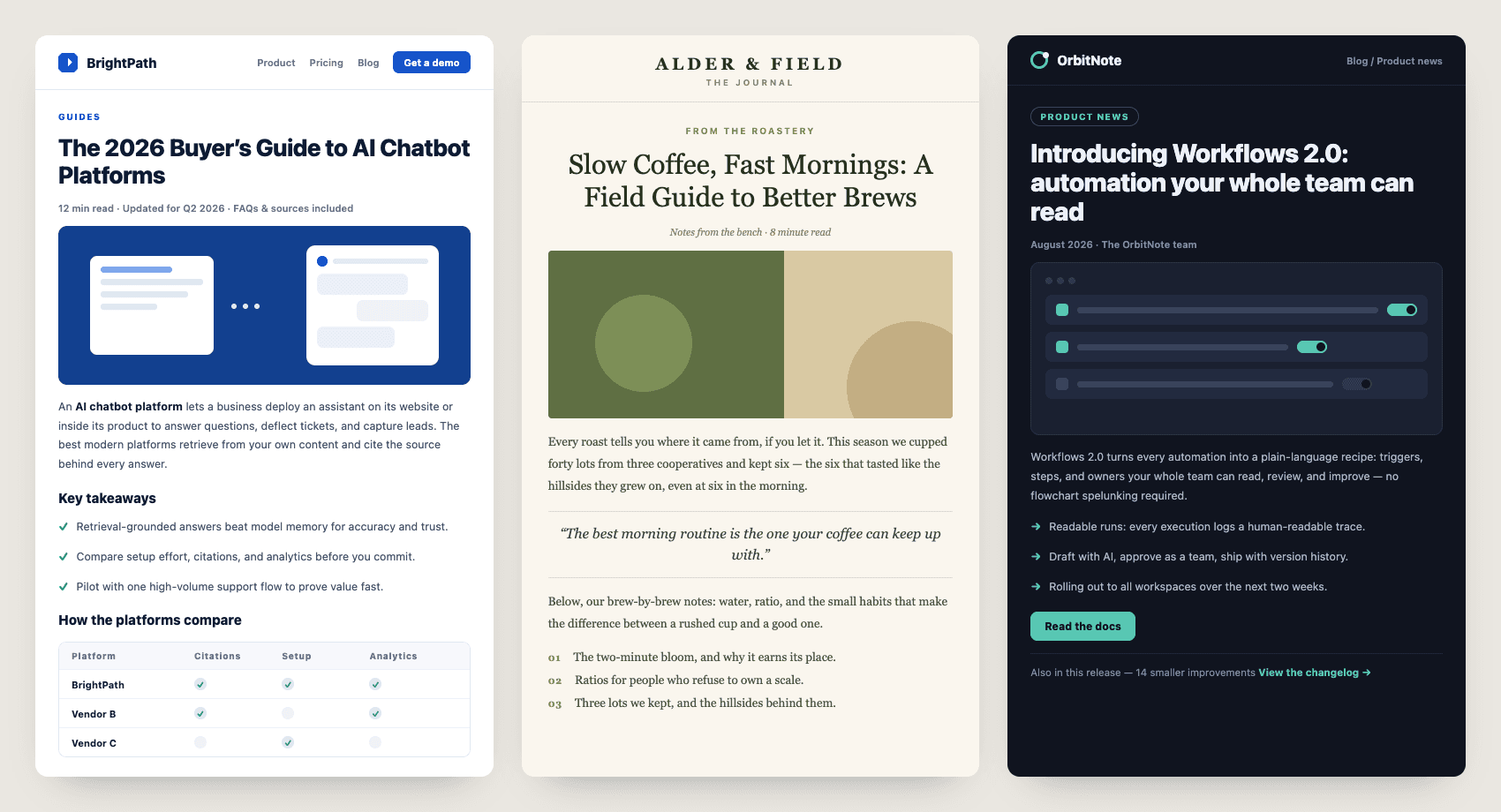
It helps when you already know the keyword you want and need the draft grounded in a real site instead of invented from nothing.
Turn a keyword target into a researched draft with intent, gaps, and an outline an editor can actually work from.
Write in a client's voice by pointing Sharper at their site, so the first draft already sounds like them.
Publish on your own topics without hiring a writer, using your site as the source of product and audience detail.
Check live SERP coverage, find what the top results miss, and brief the article around that gap.
Give it the keyword and the site, let it research, then edit the draft it hands back.
Name the phrase or topic cluster you want to rank for. That target drives the research and the outline.
The URL you give sets brand, audience, products, and proof, so the draft argues from your position rather than a generic one.
It searches live results, reads the pages you compete with, and collects the questions readers keep asking.
You get a Markdown package with metadata, FAQs, and cited sources, editable in the workspace and exportable.
The draft is only useful if you can see where it came from. Sharper shows the prompt it ran, the pages it read, and the sources behind each claim.
A reviewable draft, ready to edit
| Other tools | Sharper | |
|---|---|---|
| Research | Writes from training data alone | Searches live results and reads the pages you compete with |
| Context | Knows nothing about your business | Uses your website and files for brand, audience, and expertise |
| What you get | A block of text in a chat window | A Markdown package with title, meta, outline, FAQs, and source notes |
| Verifiability | Claims with no sources attached | Cited sources you can open and check before publishing |
Practical details about using Sharper as an AI SEO article generator.
An AI SEO article generator helps turn a target page, topic, or keyword into a search-aware article draft. Sharper opens the work as a task so you can add context, review the research, and keep the final article editable.
Yes. Fill in the target keywords and website URL on this page, then send the prompt. Inside the task you can still edit the full request, add audience notes, or adjust the deliverable before running it.
Yes. After the task opens, you can attach files or select a knowledge base so the article can use trusted source material rather than relying only on the initial URL.
The prompt asks for a Markdown article with a title, meta description, outline, cited source notes, FAQs, and an editorial review checklist.
No. Sharper creates reviewable work in the task workspace. Your team stays in control of editing, approval, and publishing through your existing CMS process.
Yes. The task runs on Sharper's Free plan, which includes 300 credits per week. Paid plans add more credits and capacity when you need recurring articles.
The task is designed to avoid that. Sharper uses your website as context for brand, audience, and expertise, follows Google's E-E-A-T guidance, and includes cited source notes plus an editorial checklist so your team keeps final judgment on every claim.
An article is usually one piece of the work. These tools handle the deck, the spreadsheet, and the rest of the writing.
Open the prefilled task, add your own context, and let Sharper prepare the article package.
Free to start. No credit card required.