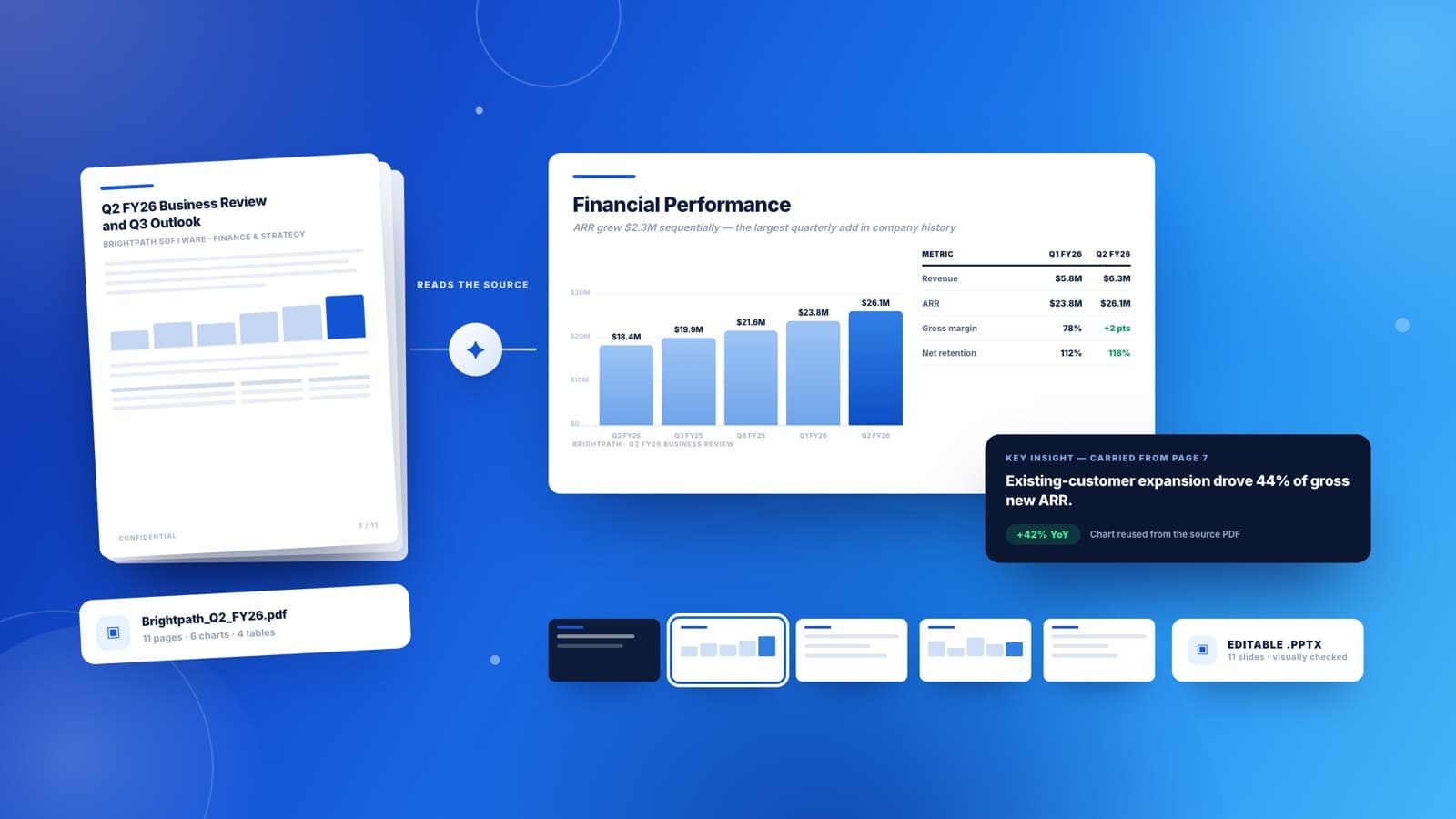
Quarterly Business Reviews
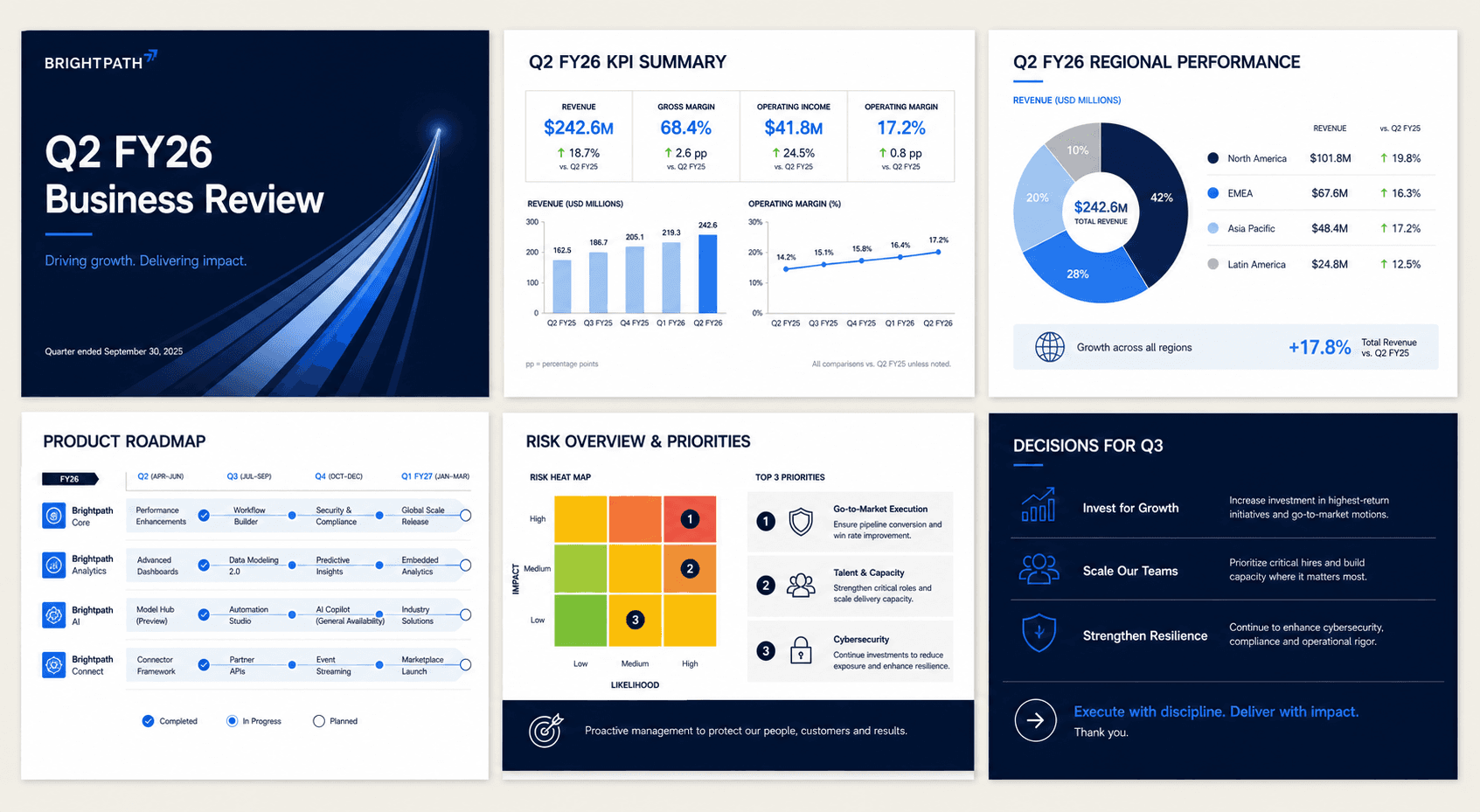
Board updates, QBRs, month-end readouts. Attach last quarter's report and Sharper carries the real figures forward into charts, KPI scorecards, and a summary you can actually defend in the room.
Attach a report and describe the deck. Sharper reads the source, reuses its charts and tables, builds native slides, and delivers an editable PowerPoint it has visually checked.
Board updates, QBRs, month-end readouts. Attach last quarter's report and Sharper carries the real figures forward into charts, KPI scorecards, and a summary you can actually defend in the room.
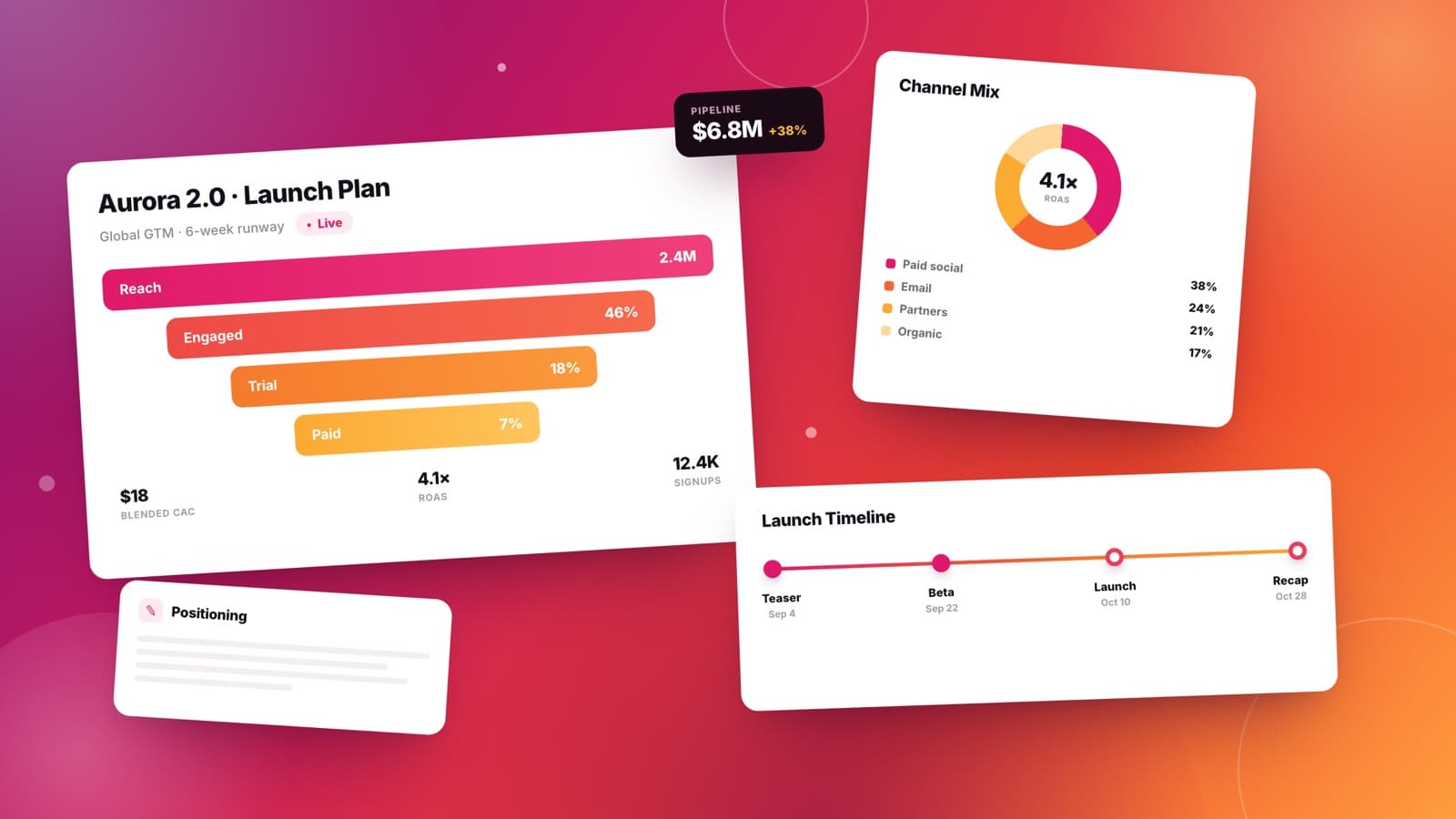
Go-to-market plans, launch recaps, channel reviews. Hand over the brief and the analytics export, and get a deck that moves from audience insight to positioning to the ask.
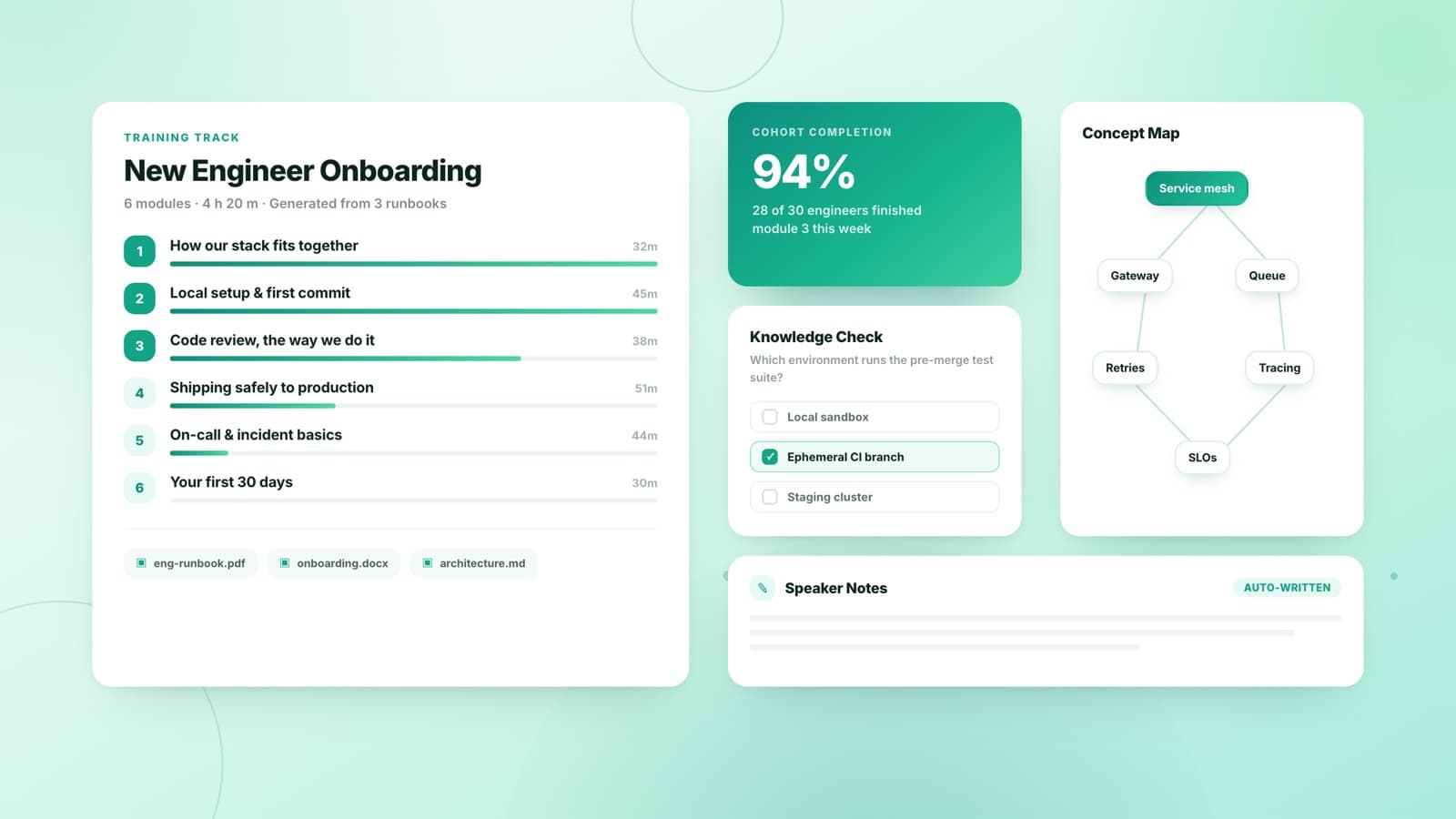
Turn a syllabus, a runbook, or a folder of PDFs into teachable slides: modules in order, concepts diagrammed, speaker notes written, and a knowledge check closing every section.
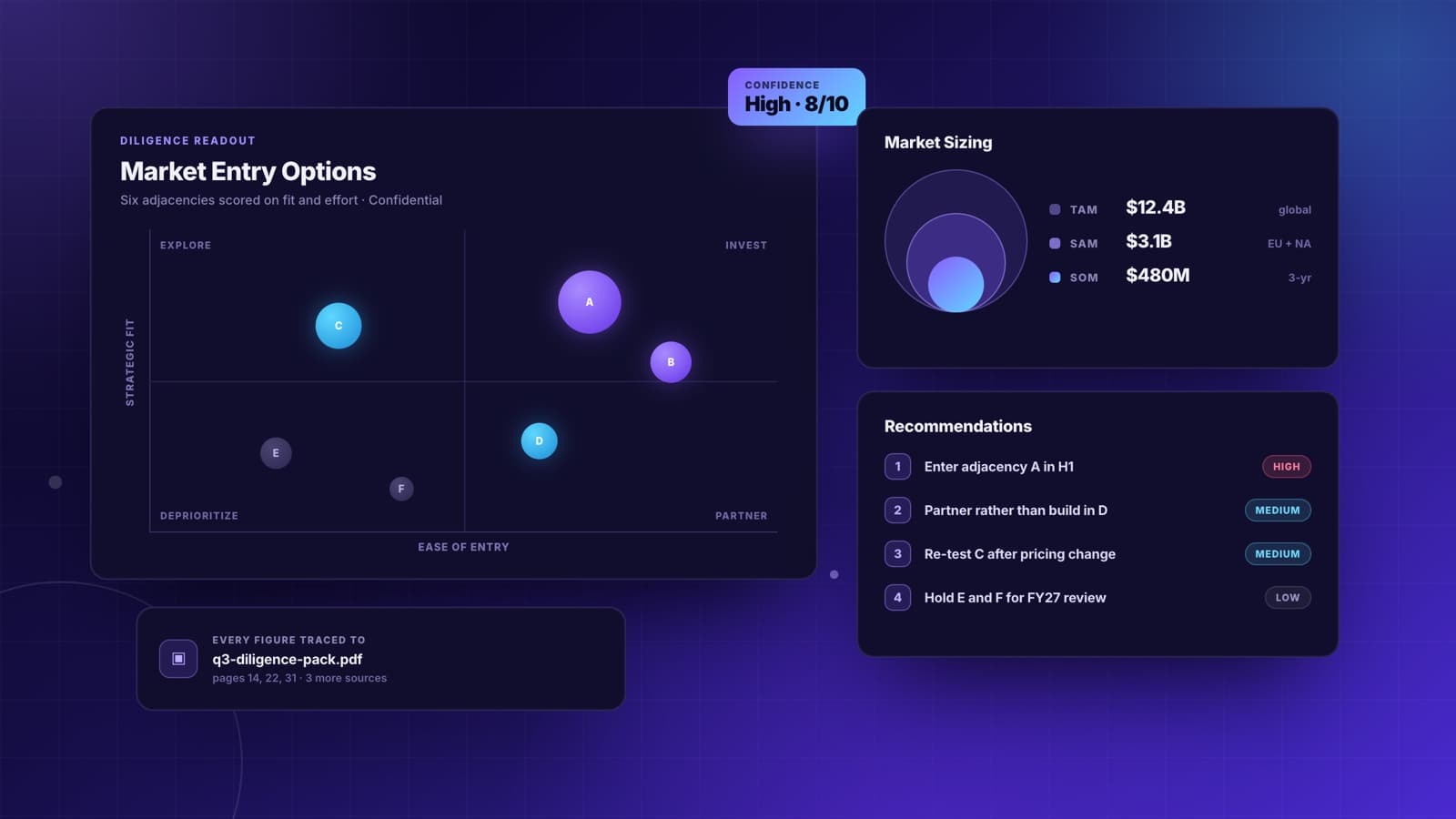
Diligence readouts, market scans, operating reviews. Sharper builds the matrices and sizing charts, sequences the argument, and keeps every number traceable to the file it came from.
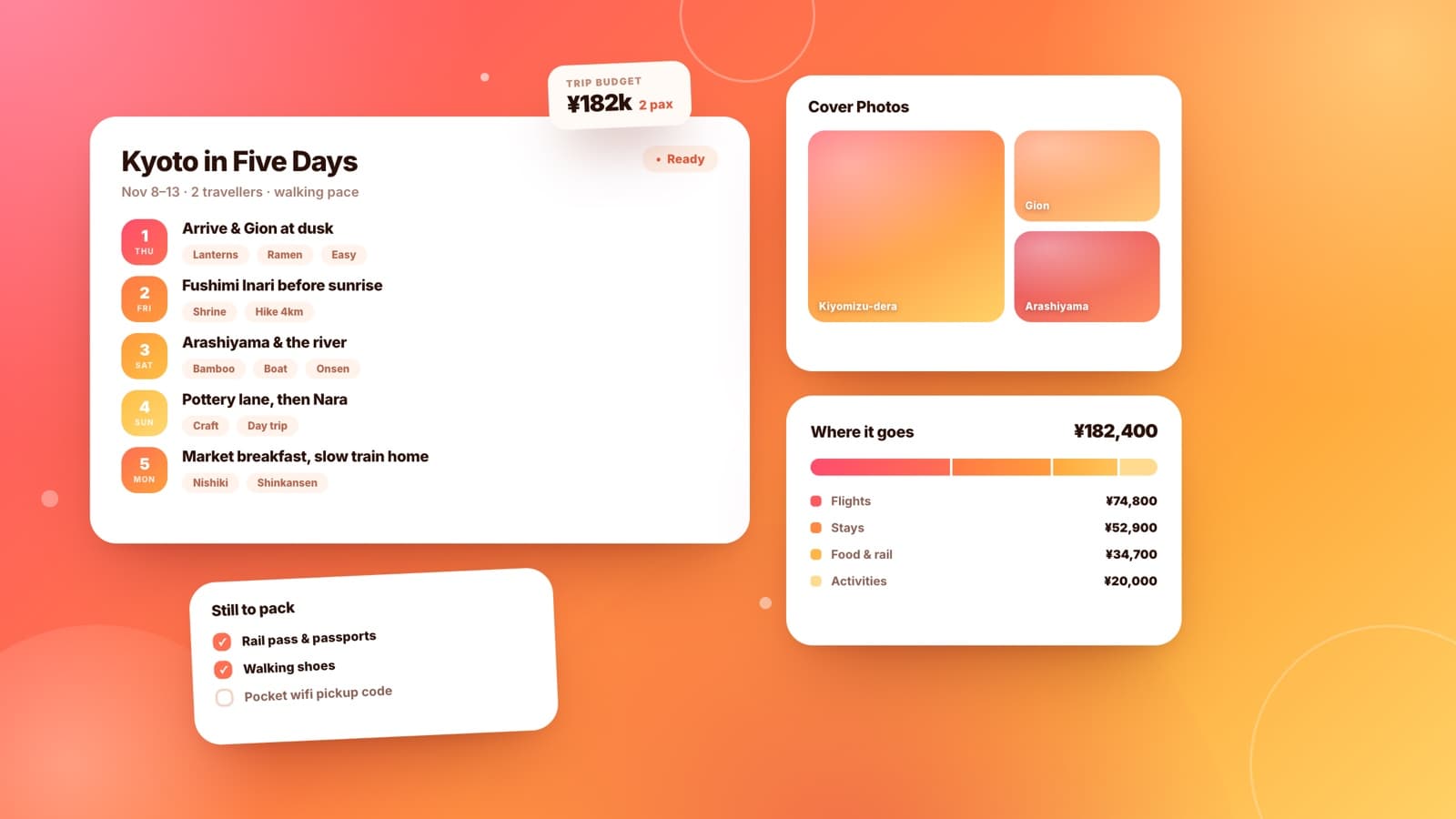
Trip plans, club nights, class projects, a speech that somehow needed slides. Describe it the way you would say it out loud and get something finished back, with no template hunting.
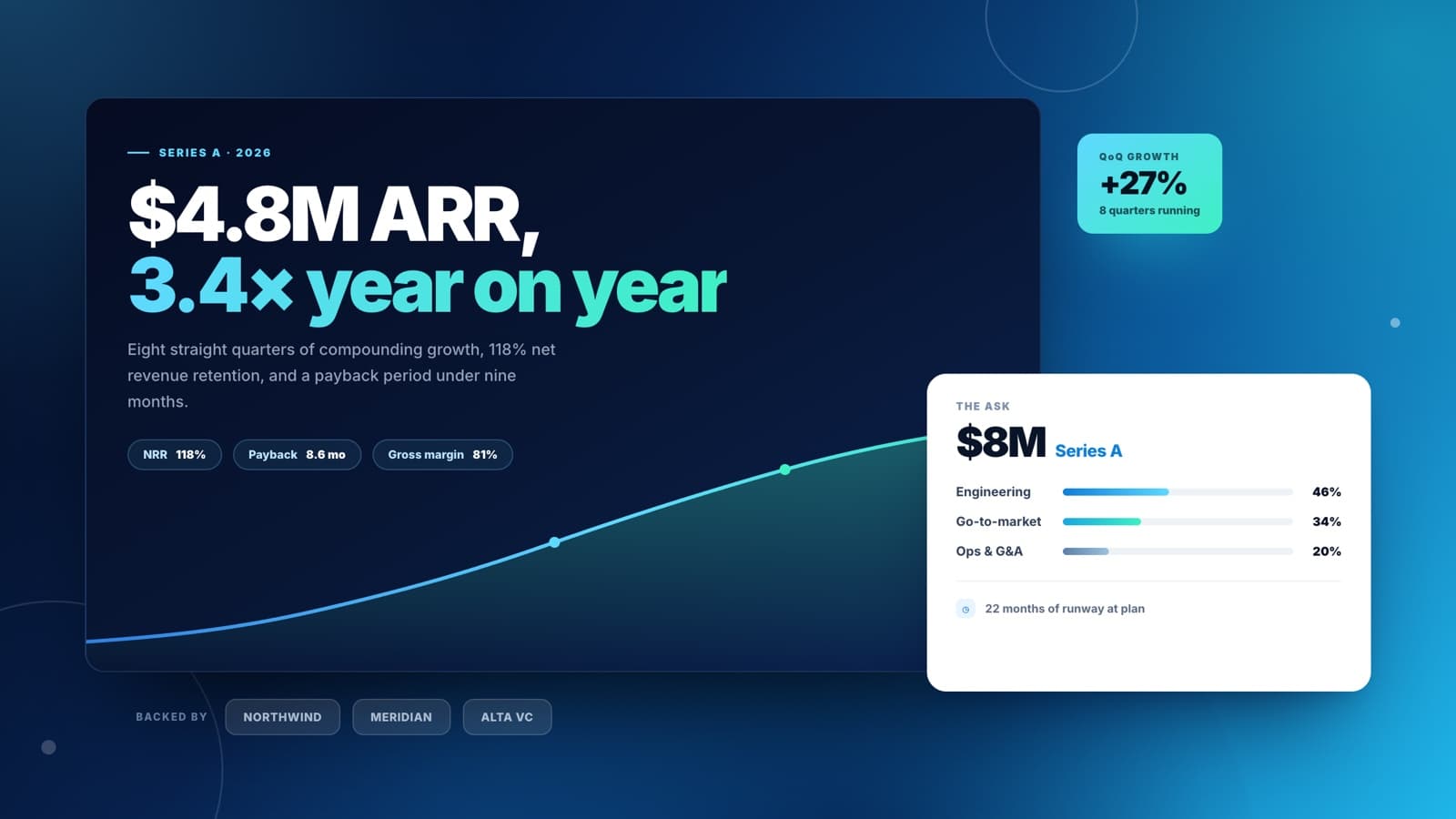
Problem, wedge, traction, ask. Point Sharper at your metrics and it lays out the dozen slides investors actually read, with the growth curve drawn from your own numbers.
One request becomes a finished deck through a guided production flow: source intake, structure, slide generation, and visual review.
Type a topic, paste notes, or bring a PDF, Word document, spreadsheet, or existing PowerPoint. Sharper starts from your material and can ask for missing context before building.
The presentation skill organizes the story, pulls in trusted sources when needed, and plans the deck before creating native slides with editable text, charts, and tables.
Use follow-up prompts to revise content, add a slide, restyle the deck, or repair layout issues. The final output is an editable .pptx you can keep working with.
One topic goes in, finished slides come out. The workflow reads sources, builds the PowerPoint, renders the result, and checks for layout problems before handoff.
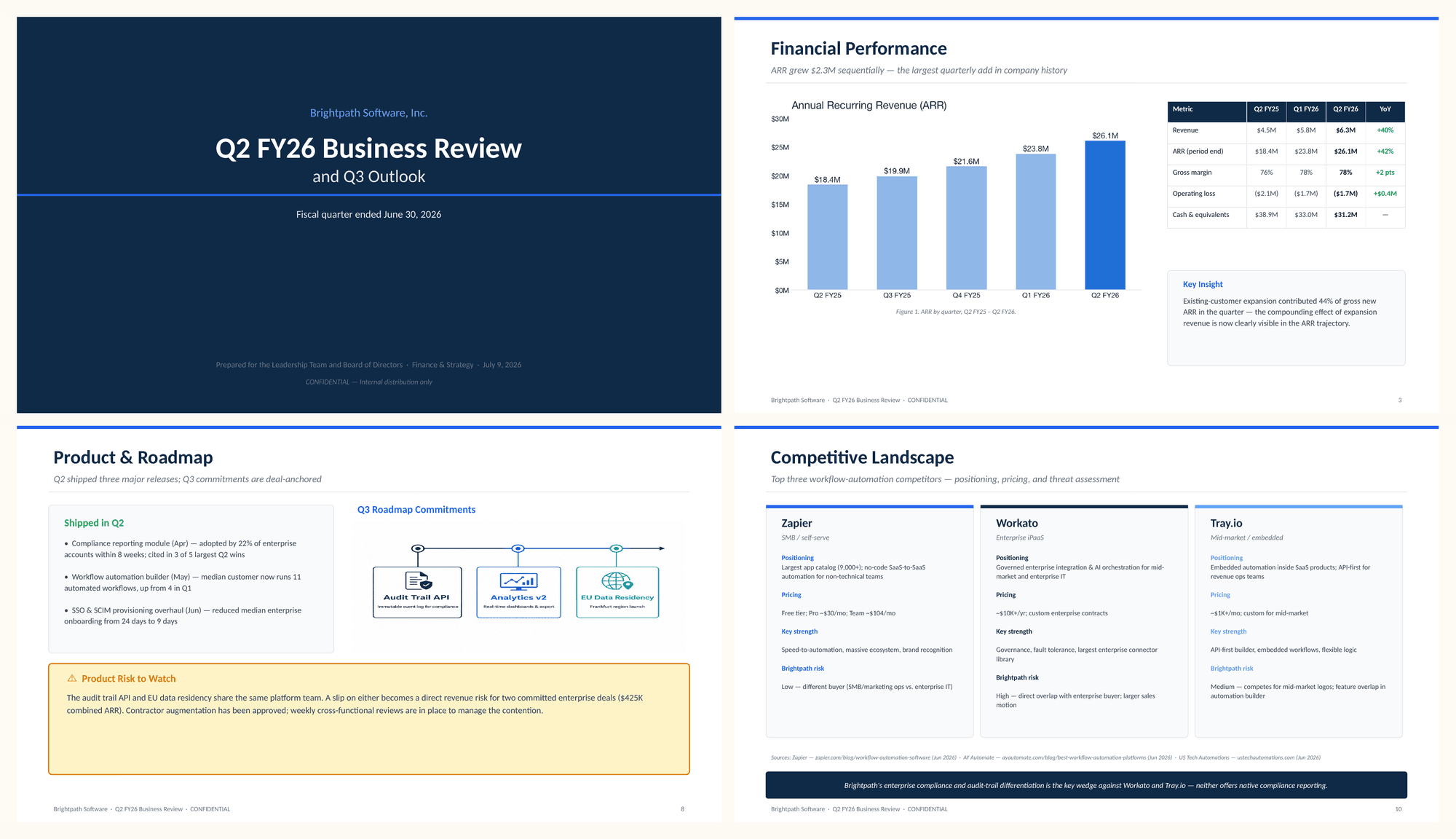
From source to editable deck
Finished PowerPoint with visual QA
Practical details about using Sharper as an AI presentation maker.
An AI presentation maker turns a brief and source material into a finished presentation. Sharper opens the work as a task: you attach a document, describe the deck, and review the result in the workspace.
Attached files such as PDF reports and documents, knowledge bases you have built in Sharper, charts and figures extracted from PDFs, and cited internet research.
Yes. Adjust the deck type and audience on this page, then send the prompt. Inside the task you can edit the full request and attach your own report before running it.
A native, editable PowerPoint file: real text boxes, charts, and tables rather than images of slides. Open it in PowerPoint, Keynote, or Google Slides.
Yes. It validates the file structure, renders the deck, and visually inspects the slides for clipping, overlap, missing media, and blank slides before delivery.
Yes. The task runs on Sharper's Free plan, which includes 300 credits per week. Paid plans add more credits and capacity for recurring decks.
No. The deck is grounded in the material you provide, and the visual system adapts to the brief, from restrained board reporting to bolder product-launch styling.
Presentation work often starts with source material. These tools help prepare the documents, data, and follow-up tasks around your deck.
Attach your source, open the prefilled task, and let Sharper build and check the slides.