Product Shots & Variants
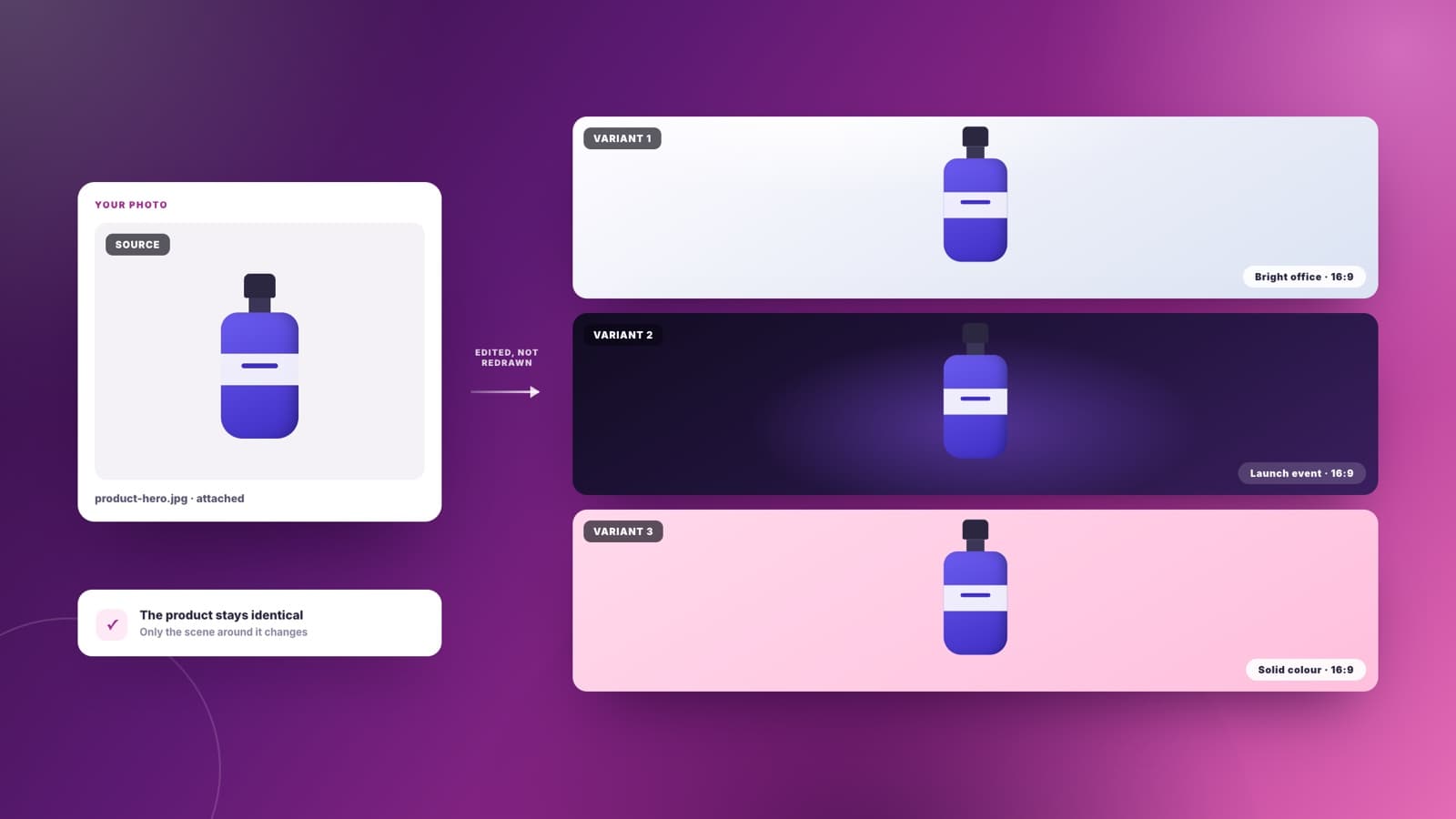
Attach one product photo and get the same product in three settings — bright office, dark launch event, plain backdrop. Sharper edits the image you gave it rather than inventing a new product that only resembles yours.
Describe the visual you need, or attach an image to work from. Sharper generates it in the aspect ratio you asked for, saves it to your workspace, and edits that same image when you want it changed.
Attach one product photo and get the same product in three settings — bright office, dark launch event, plain backdrop. Sharper edits the image you gave it rather than inventing a new product that only resembles yours.
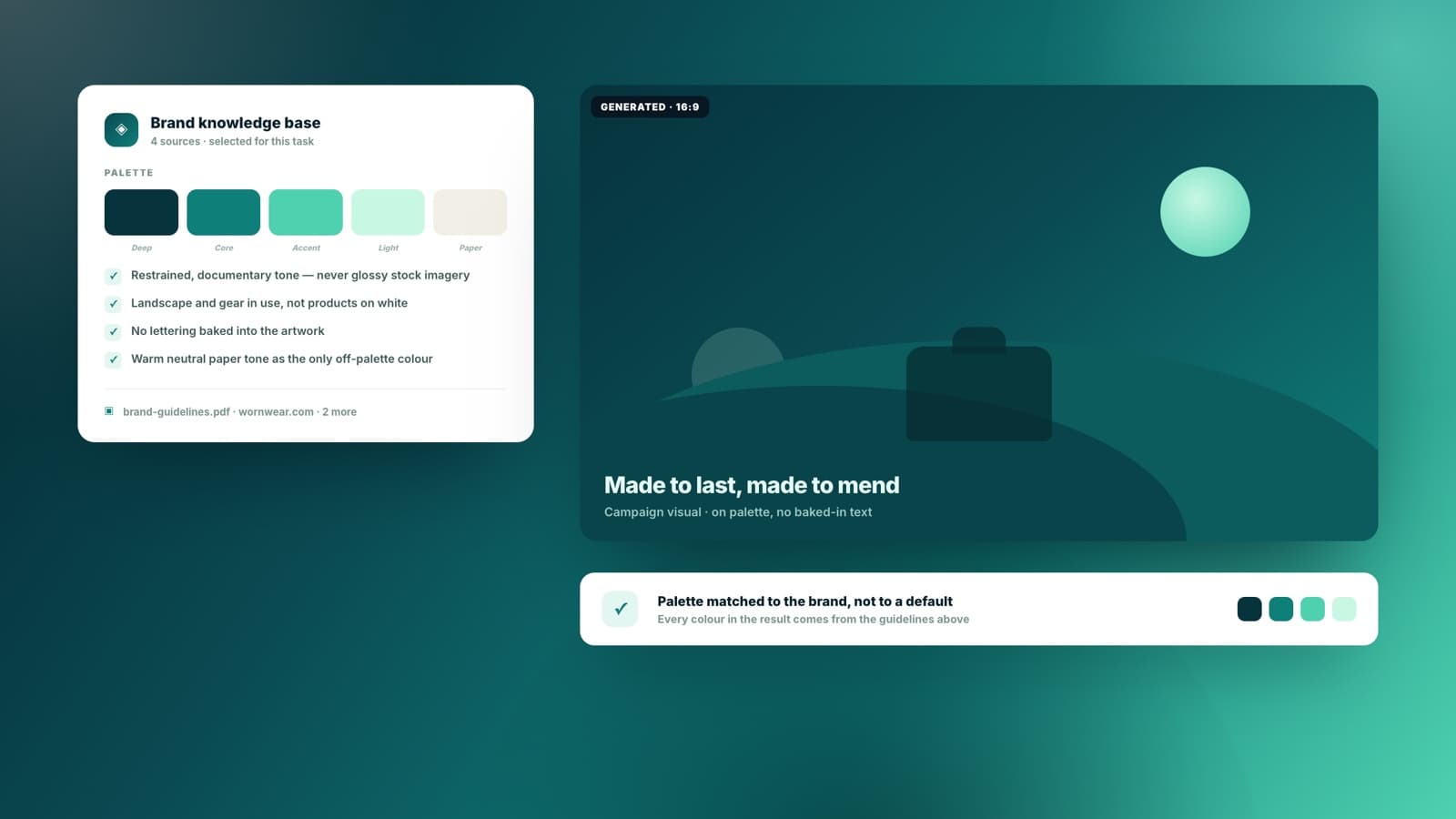
Point Sharper at your brand knowledge base or a page from your site and the visual comes back in your palette and register — not the generic gradient-and-gloss look every other generator defaults to.
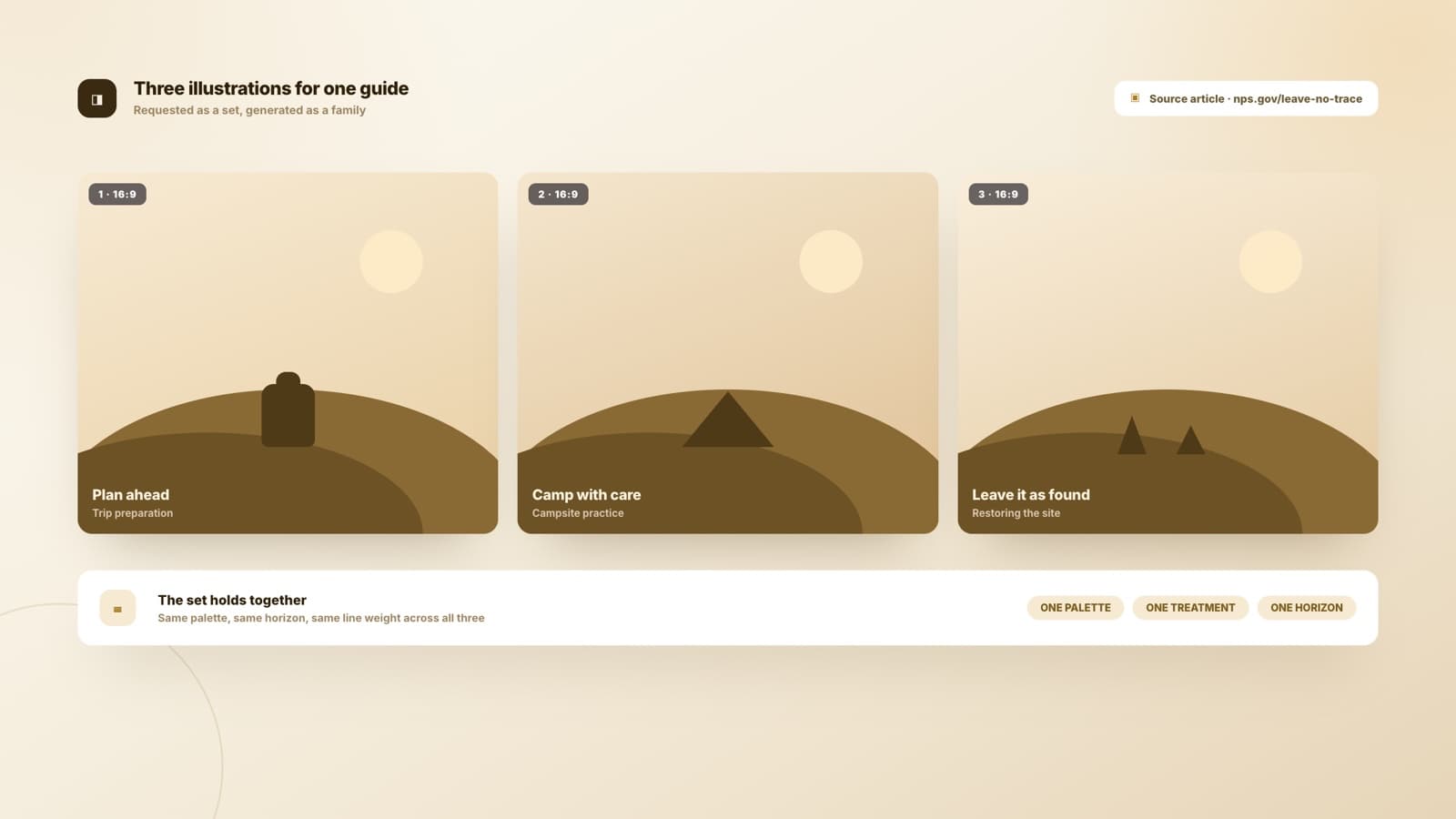
Ask for three illustrations for an article and get three that look like a family — same treatment, same palette, same weight. Consistency across a set is the part that usually breaks, so it is the part Sharper holds.
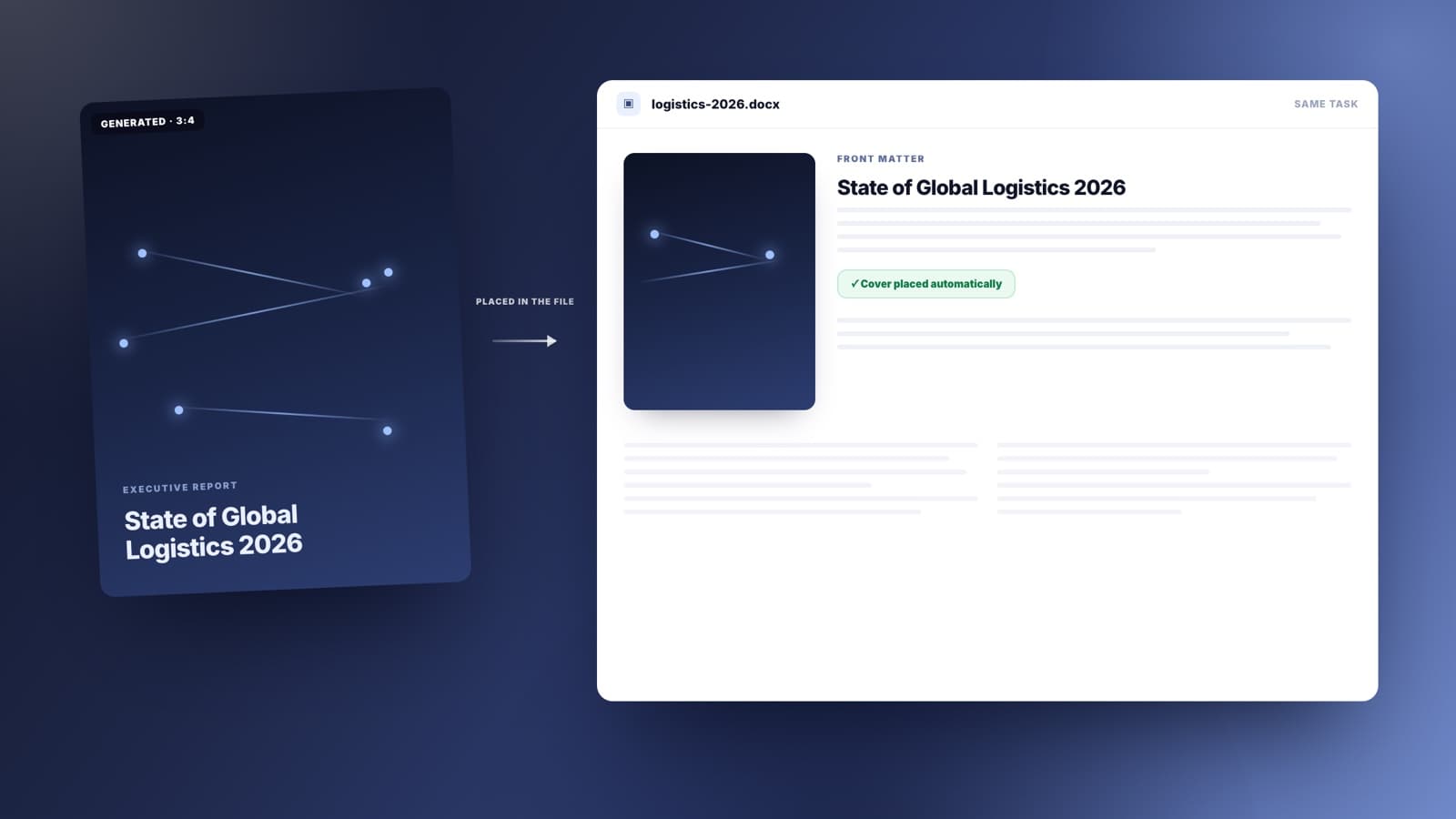
Portrait covers, section dividers, slide backgrounds. Generate it inside the same task that is building the deck or the document, and it goes straight into the file instead of your downloads folder.
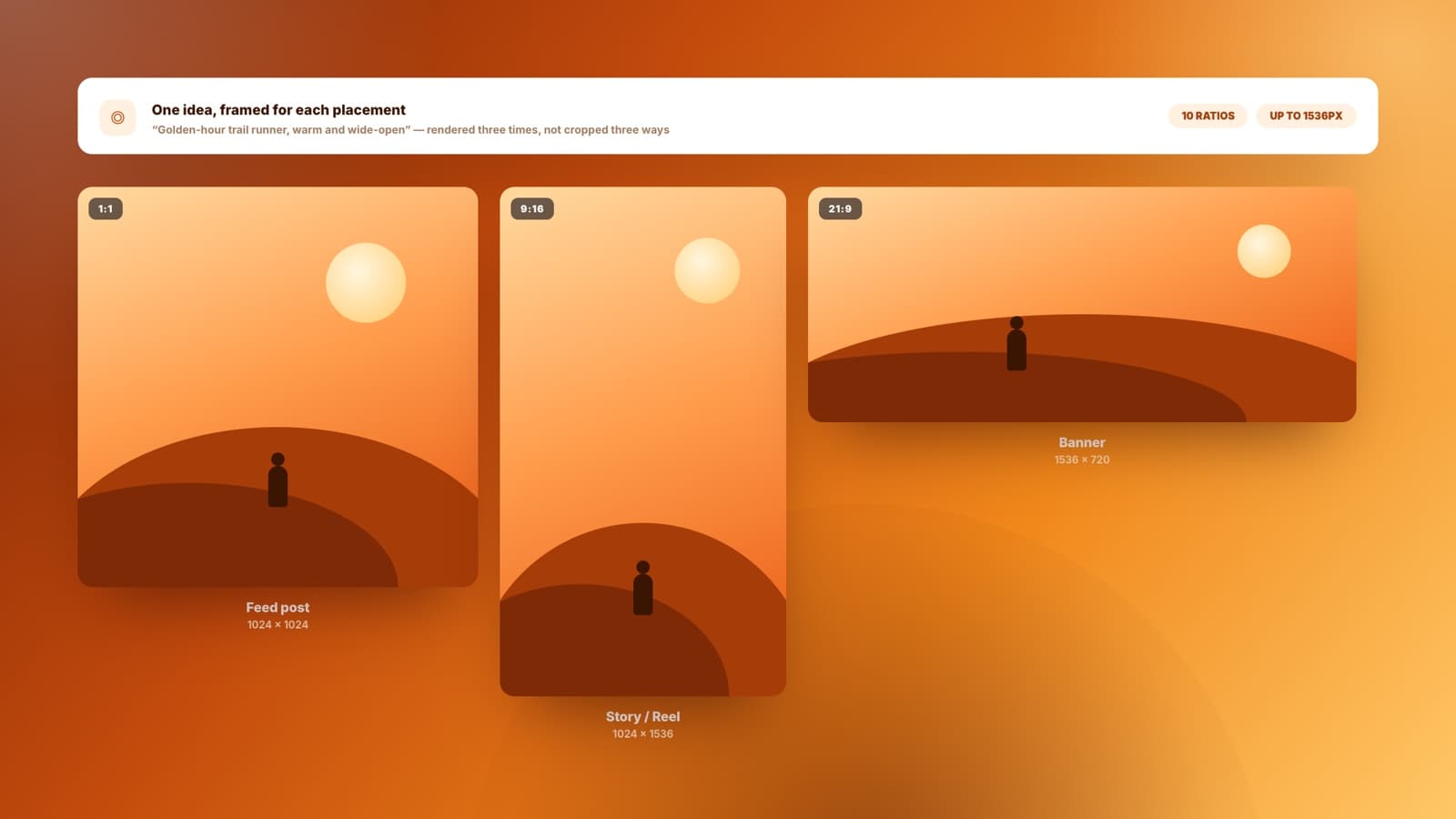
The same idea at 1:1 for the feed, 9:16 for stories, and 21:9 for a banner. Ten aspect ratios, framed for each placement rather than one image awkwardly cropped three ways.
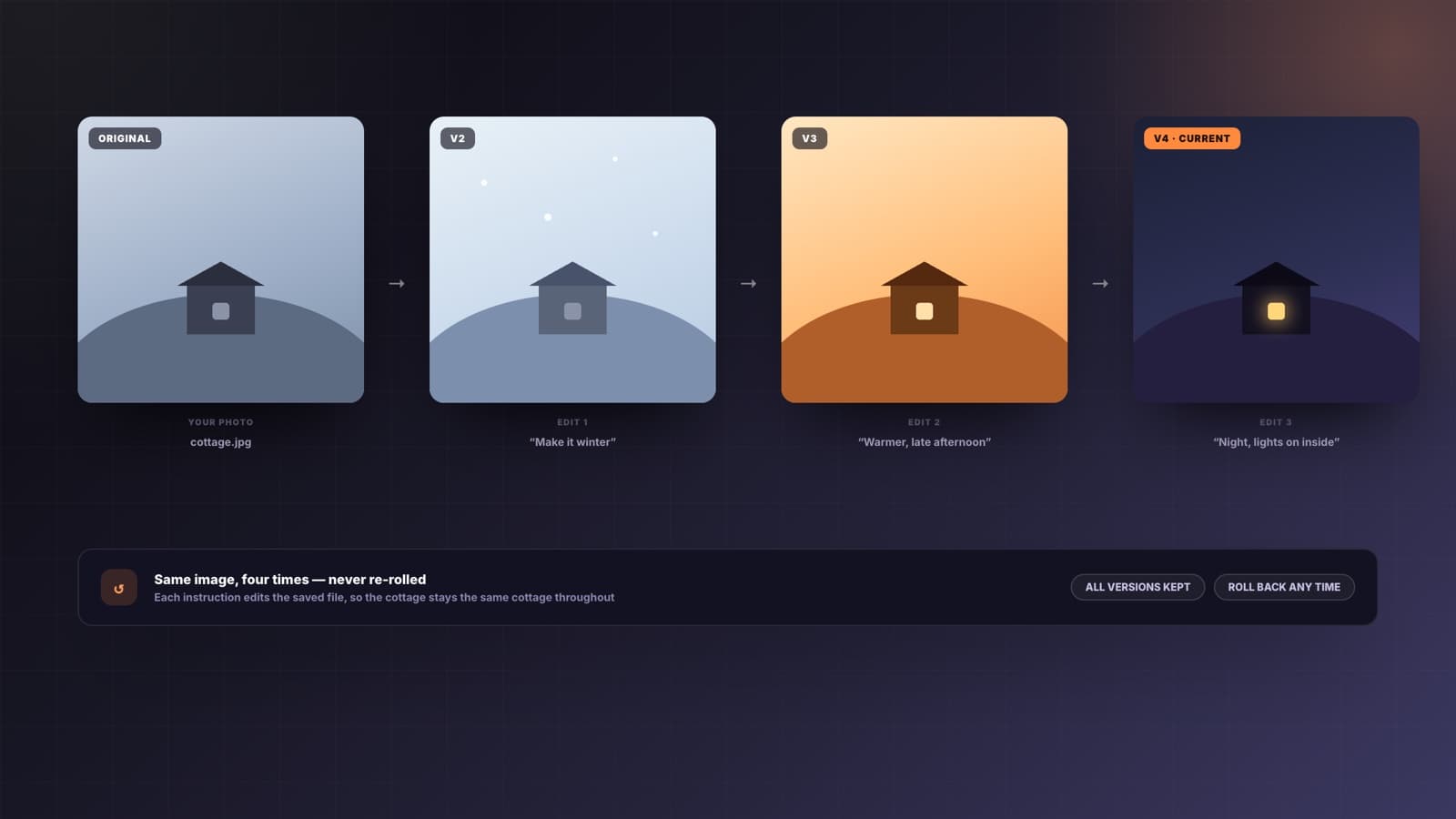
Change the season, swap the background, drop the clutter, push it warmer. Say what should change and Sharper edits that image — the parts you did not mention stay as they were.
Four steps from a rough idea to an image you can actually ship.
Subject, style, where it will be used, what to avoid. If something important is missing, Sharper asks before spending a generation on a guess.
A product photo to edit, a brand knowledge base to stay on palette, or a page from your site. Optional — but it is the difference between your visual and a generic one.
Ten aspect ratios from square to 21:9. Draft quality while you explore, final quality when you have landed on it.
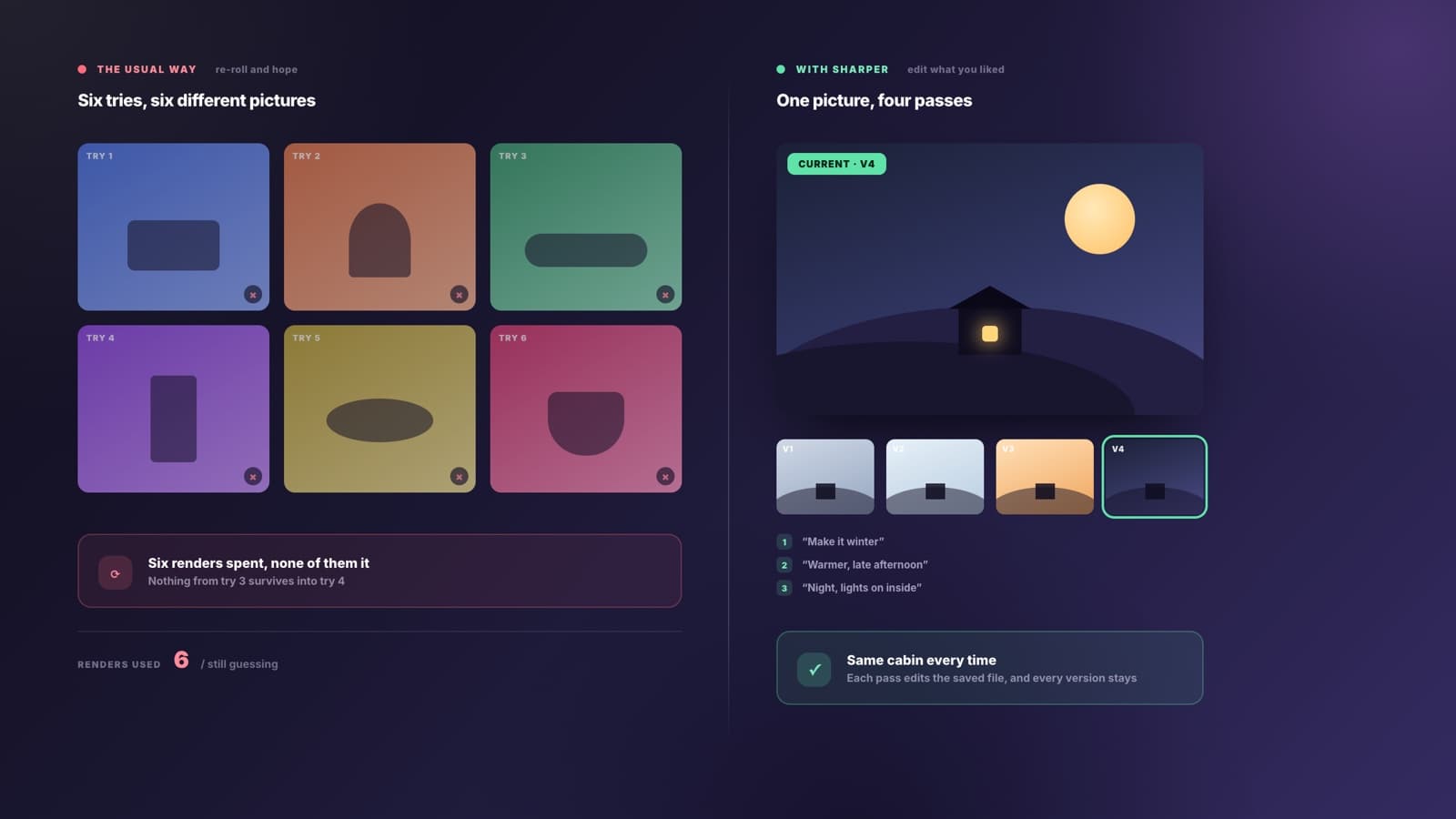
Every image is saved to your workspace, so the next request edits that exact file. Nothing is lost, and you are never re-rolling a prompt hoping for luck.
Most generators give you a new image every time and hope one lands. Sharper keeps the image you liked and changes only what you asked about, so you converge on the right visual instead of gambling on the next attempt.
What people ask before using an AI image generator on work that goes out under their brand.
An AI image generator turns a written description into a picture. Sharper's also works the other way round: attach an image and it edits that one — new setting, different season, background removed — instead of generating something new that merely resembles it.
Yes, and it is the main reason to use this one. Attach a photo, or point at an image Sharper generated earlier, and describe the change. It edits that exact file and leaves everything you did not mention alone, so you refine one image rather than rolling the dice again.
GPT Image 2 is available on every plan and is the default in Design mode. Paid plans can also select Nano Banana Pro when they want a different rendering model.
Ten ratios: 1:1, 16:9, 9:16, 3:2, 2:3, 4:3, 3:4, 4:5, 5:4, and 21:9 — up to 1536 pixels on the long edge. Ask for the placement you need and Sharper frames for it rather than cropping one image to fit everywhere.
Select a brand knowledge base or point at a page from your site, and Sharper uses your palette, tone, and visual conventions as the brief. It is the difference between a visual that belongs to your brand and one that belongs to no one.
Into your workspace, saved and reusable. That means you can edit an image days later, use it as the reference for the next one, or have it placed directly into the slide deck or document the same task is producing.
You can start free. Image generation draws on credits because each render has a real compute cost, and drafts at lower quality use fewer of them. If you are not signed in you will be asked to create a free account first.
An image is rarely the whole deliverable. These tools build the deck, the article, or the document it belongs in.
Bring a photo to work from or start from a sentence. Sharper generates the image, saves it, and keeps editing until it is the one.
Free to start. No credit card required.